How to Manage Bill of Materials in iDempiere (Without Losing Your Mind During an ERP Switch)
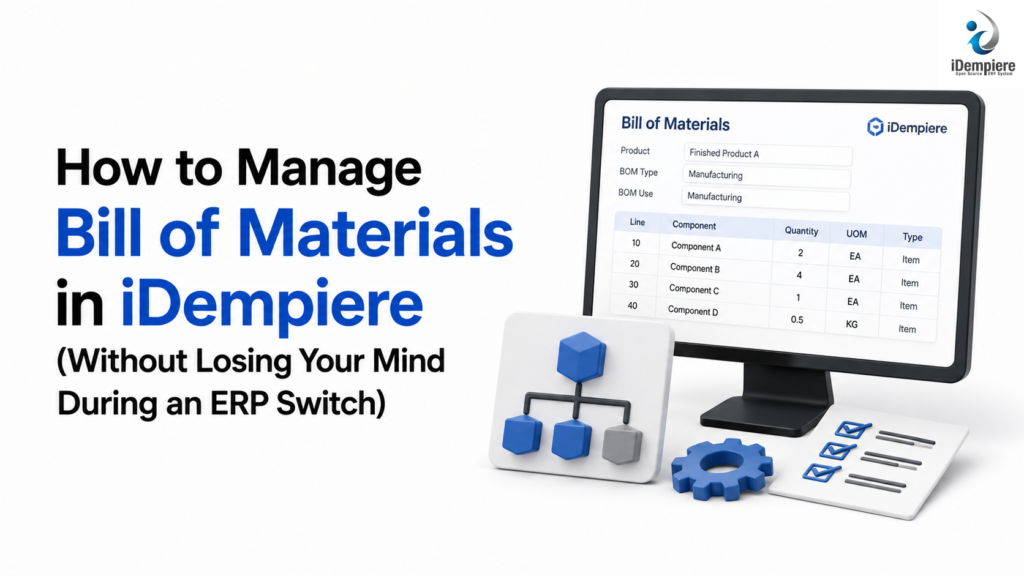
iDempiere manages BOMs by linking product components directly to live inventory, automated costing, and procurement data.
If your current ERP makes it painful to track what a finished product is actually built from and what it costs to build it iDempiere’s Bill of Materials (BOM) module fixes that by keeping every product’s “recipe” tied directly to your accounting, inventory, and production data. Switching to iDempiere means your product costing, purchasing, and manufacturing numbers finally live in one connected system instead of three disconnected spreadsheets.
Why This Matters Before You Even Touch the Software
If you manufacture or assemble products, a Bill of Materials is simply a list: what components go into a finished item, how many of each, and what they cost. Sounds simple. But in most legacy ERPs — or worse, in Excel — that list lives disconnected from your actual inventory and accounting. So when a component price changes, nobody updates the finished product’s cost. When you’re low on a part, purchasing doesn’t find out until production halts.
This is one of the top reasons companies decide to move off their current ERP. Not because the old system is “bad,” but because it was never built to connect these dots automatically.
What Changes When You Move to iDempiere
1. One product record, one source of truth. In iDempiere, every product — raw material, sub-assembly, or finished good — lives in a single product catalog. When you build a BOM, you’re simply telling the system: “This finished chair is made of these four components, in these quantities.” That relationship is now permanent and visible to every part of the business — sales, purchasing, warehouse, and finance — instead of being buried in a spreadsheet only one person maintains.
2. Costs update themselves. When the price of a component changes, iDempiere can recalculate the cost of everything built from it. This means your finance team gets accurate product costs without chasing down every spreadsheet owner every quarter. For a CFO or operations director, this alone often justifies the migration — it removes a recurring manual reconciliation task that eats hours every month.
3. Multi-level BOMs are handled natively. Real products are rarely simple. A finished good is often made of sub-assemblies, which are themselves made of smaller components. iDempiere supports these “nested” BOMs out of the box, so a change at the bottom level (say, a supplier swaps a screw type) automatically flows upward through every product that depends on it.
4. Production and purchasing talk to each other. Once your BOMs are set up, iDempiere can automatically calculate what raw materials you need to purchase based on what you plan to produce. This is the difference between reactive purchasing (“we ran out, rush order it”) and planned purchasing (“we know exactly what we need and when”).
Migrating From Your Current ERP: What to Actually Expect
If you’re coming from a system like a legacy on-premise ERP, Excel-based tracking, or a lightweight accounting package that was stretched into “ERP duty,” here’s the honest picture:
- Data cleanup comes first. Your existing product and component data is very likely inconsistent — duplicate part numbers, missing units of measure, outdated costs. This gets cleaned up before it’s brought into iDempiere, not after. Skipping this step is the single biggest cause of migration headaches.
- BOMs are rebuilt, not just copied. A straight copy-paste from an old system usually imports old mistakes along with the data. A proper migration re-validates every BOM against current production reality.
- Your team needs a short adjustment period. The screens look different from what your staff is used to. Budget for basic training — a few sessions, not weeks — so the switch doesn’t stall your production floor.
The Veteran’s Edge: Where BOM Migrations Actually Go Wrong
After years of guiding companies through exactly this kind of transition, the failures are rarely about the software. They’re about process:
- Treating the BOM as a one-time setup task. Products change. Suppliers change. A BOM that isn’t reviewed periodically drifts away from reality within a year, silently corrupting your costing.
- Skipping a pilot run. Companies that migrate their entire product catalog in one shot, with no test batch, tend to discover costly errors only after go-live — when it’s expensive to fix.
- Underestimating unit-of-measure mismatches. A supplier sells screws by the box; production consumes them individually. If this conversion isn’t set up correctly during migration, your costs will be wrong from day one — and nobody will notice until the numbers look strange months later.
None of these are iDempiere problems. They’re migration-discipline problems. Good architecture avoids them; good process catches them if they slip through.
Is This Right for Your Business?
If your current ERP has you maintaining product costs in a spreadsheet “on the side,” or your team can’t confidently answer “what does this product actually cost us to build right now” — that’s the signal it’s time to look at a system where this is handled natively, not bolted on.
Ready to see what a clean BOM setup would look like for your specific products? Talk to a senior architect for a no-obligation system audit. We’ll walk through your current product structure, flag the migration risks specific to your data, and give you a realistic picture of what a switch to iDempiere would actually involve — no sales pitch, just an honest technical assessment.