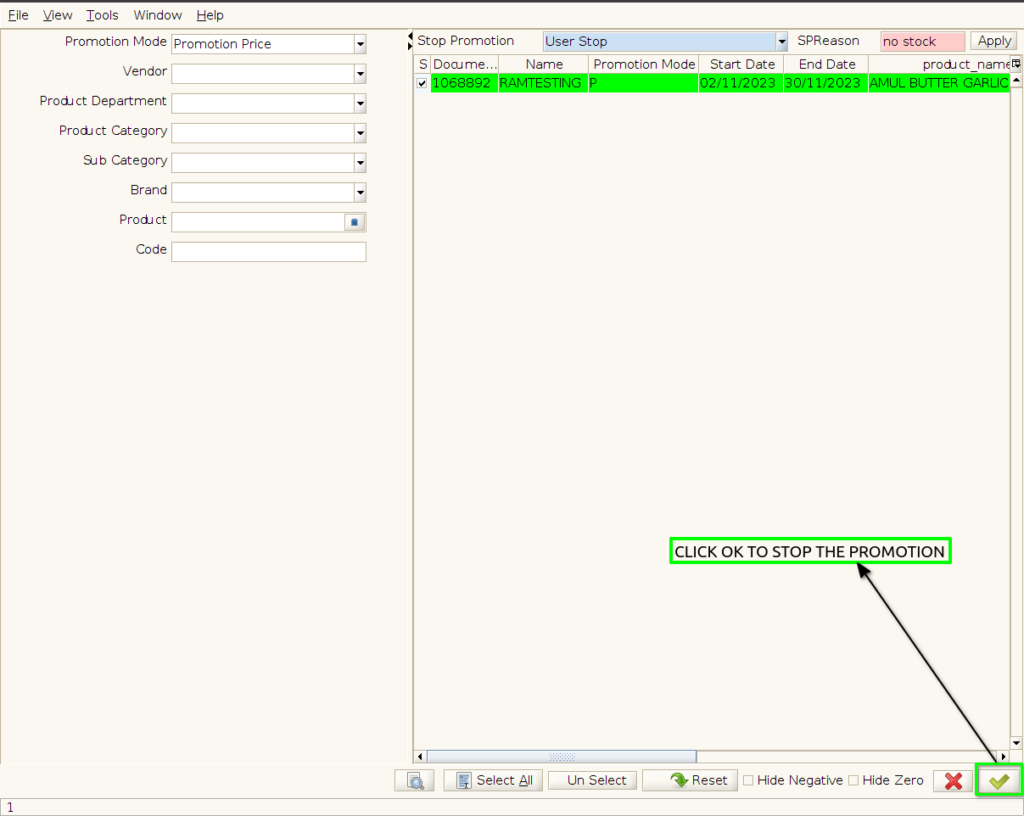
TO CREATE A BULK PROMOTION DEACTIVATE
Bulk Promotion Deactivate means turning off or disabling a promotional offer that was applied to many products or customers at once, so it is no longer active or available.
USER ACCESS
WHO CAN ACCESS
- Back Office
- Cashier
- Manager
- Admin
WHAT USER CAN DO
- Select an active bulk promotion
- Deactivate or disable
- Confirm the deactivation
PRE-REQUISITE ACTIVITIES
BUSINESS RULES
USER INTERFACE
Step 1 : Select ‘POS Promotion Deactivate’ in Menu -> Sales Management -> POS Promotion Deactivate or Search POS Promotion Deactivate in Lookup.

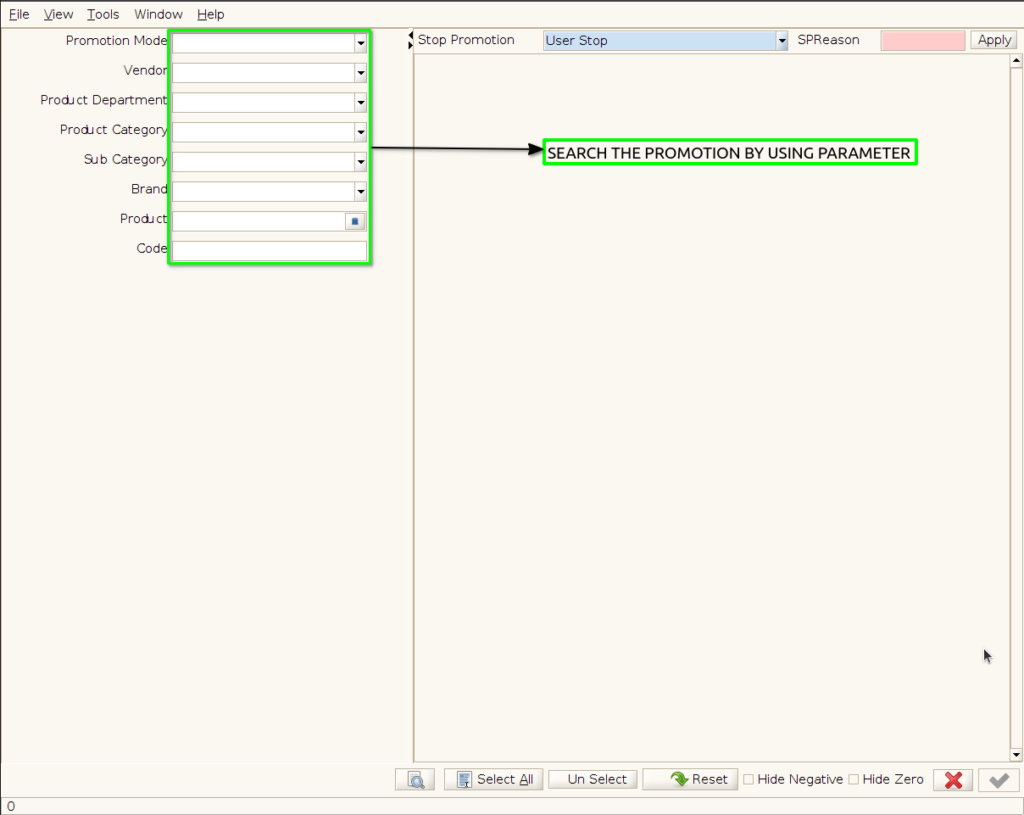
Step 2 : To Deactivate the bulk of promotion ,search the promotion with parameter
Step 3 : To click the checkbox to Select the promotion
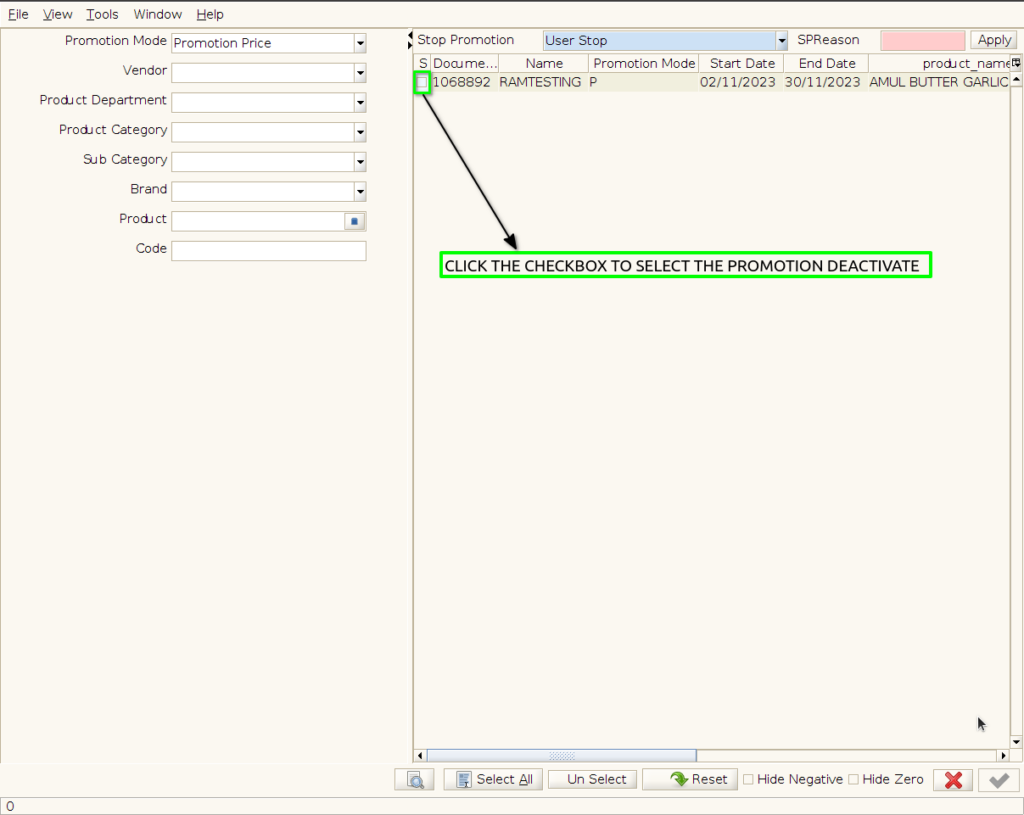
Step 4 : Select the promotion to stop the promotion

Step 5 : Enter the reason of stop promotion

Step 6 : Click the apply button to applied the promotion reason in selected promotion
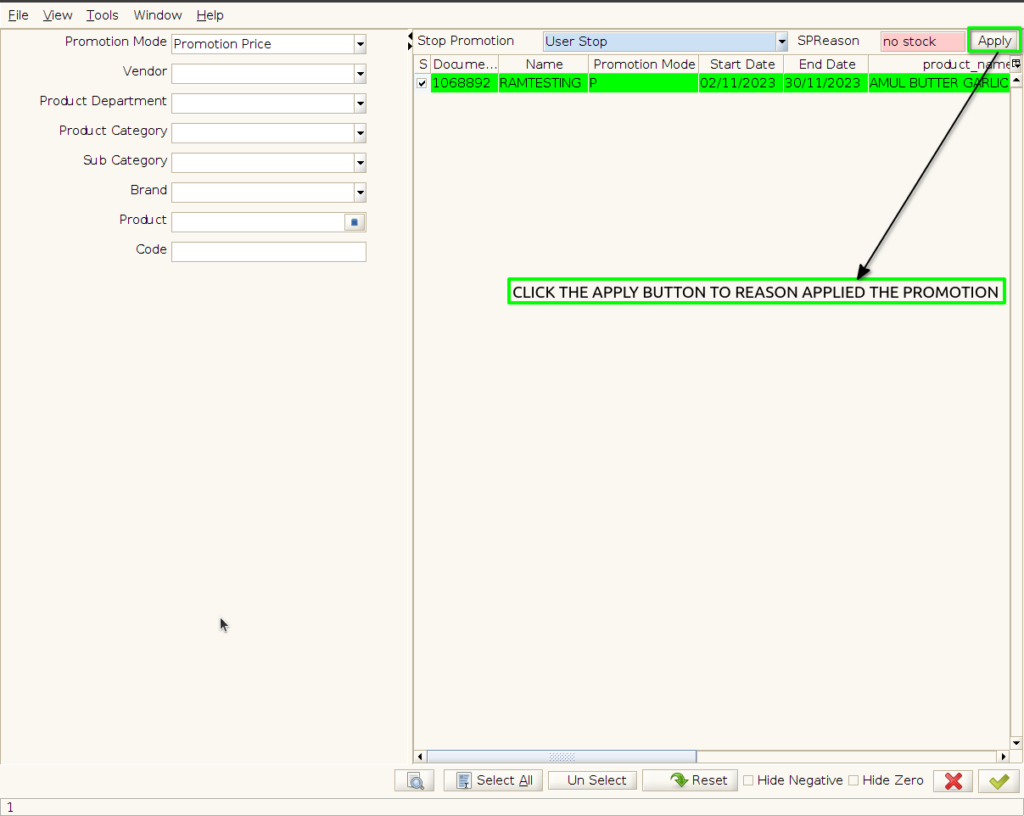

Step 7 : To Click OK to stop the Selected and Reason applied promotion only deactivated