How to create Sales Invoice in Compiere
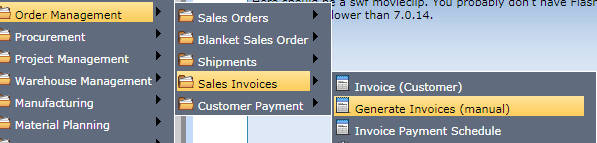
Order Management-->Sales Invoices-->Generate Invoices
- After Delivery: The invoices are only generated when the goods were delivered.
- Immediate: The Invoice will be generated immediately, even if the goods haven’t arrived at the customer’s location.
- After Order Delivered: The invoices are only generated when the entire order is fully delivered.
- Customer Schedule after Delivery: The Invoice will be generated according to the invoice schedule the customer sets up (once a month, every week, etc.). This option is useful if there are multiple shipments and you only send one invoice per schedule.
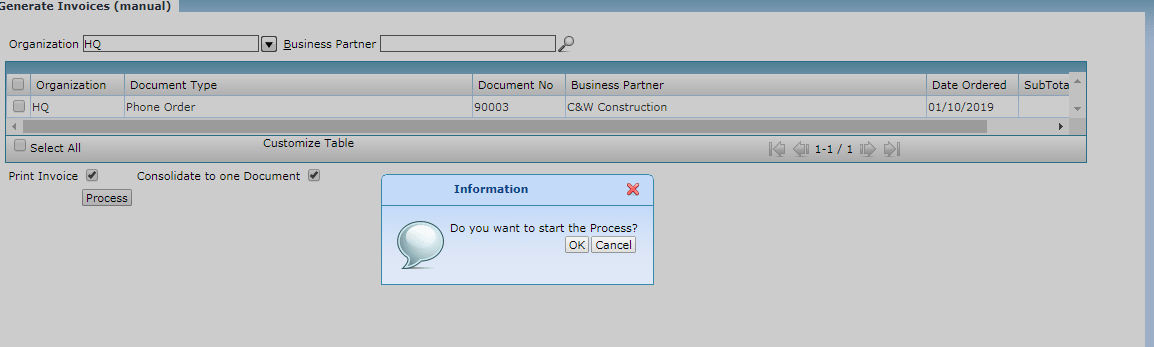
Document Status and Actions
Draft: This is the most common processing state.
Completed: Follow-on Processing is allowed
Void : Not a valid one as it nullifies and reserves the document
Closed : Ends the document from further processing.
Return Material Authorization
Invoice Payment Schedule
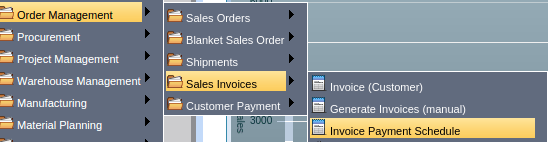
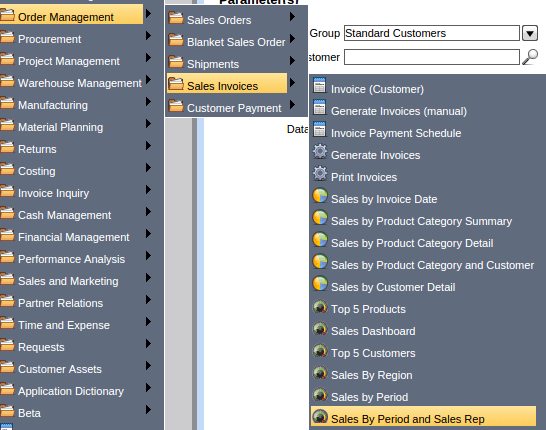
Main Menu --> Order Management --> Sales Invoices --> Invoice Payment Schedule
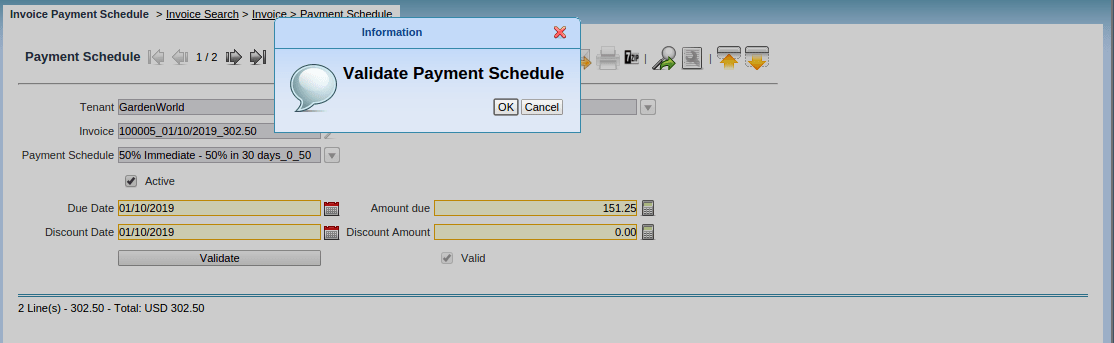
Validate Payment Schedule.
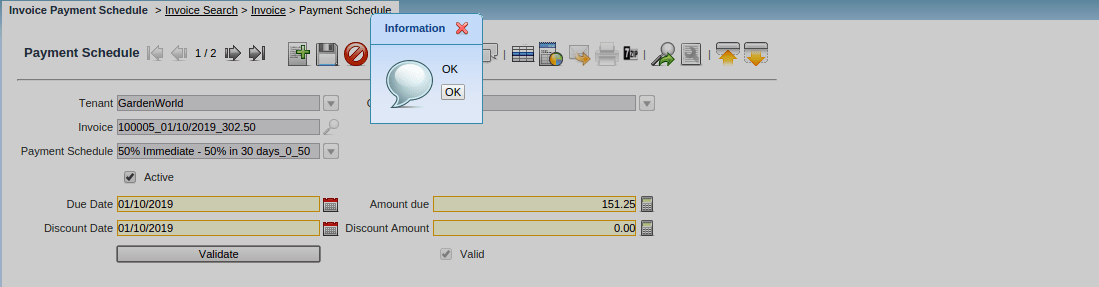
Validation Completed.
Reports
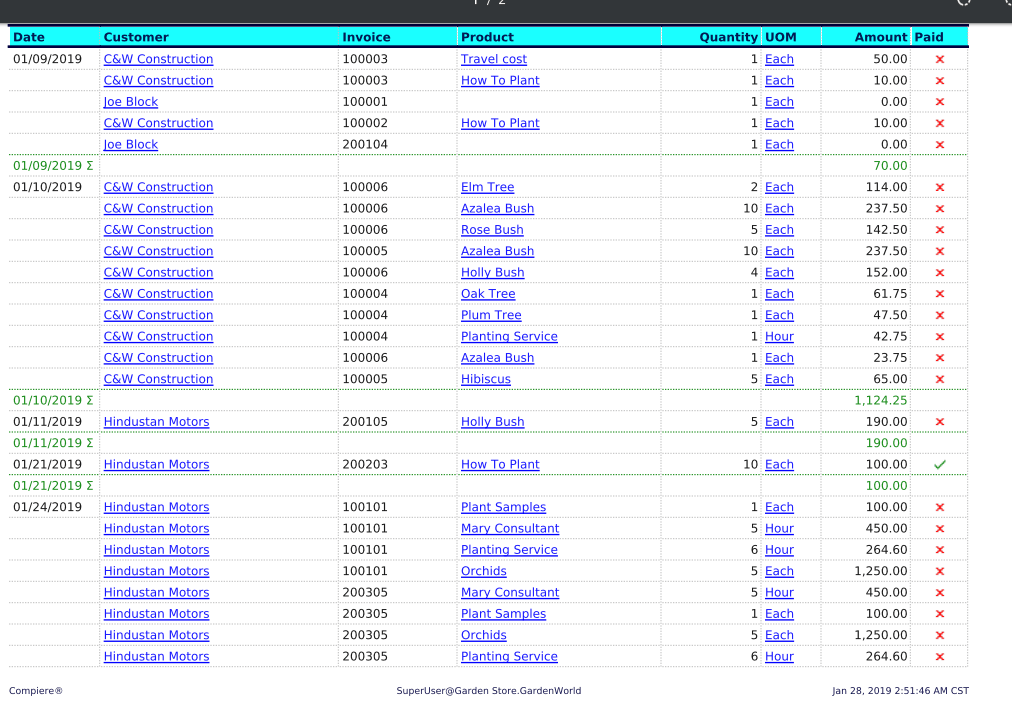
Sales Invoice by Date
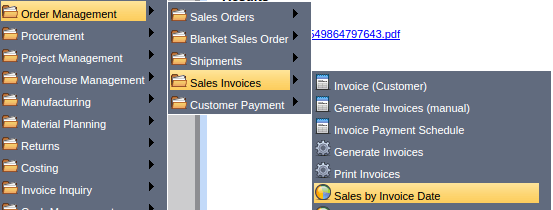
Order Management --> Sales Invoice by Date
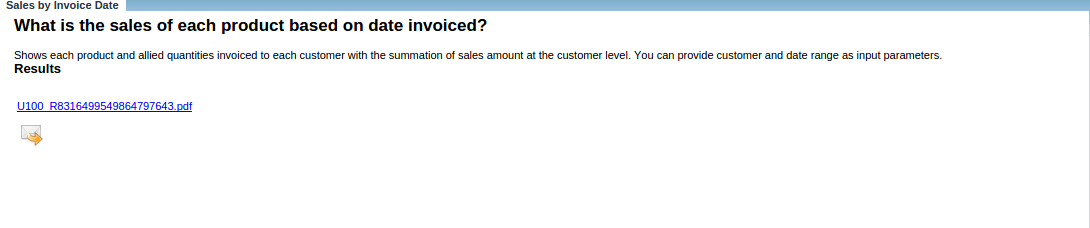
Sales Invoice by Product Category Summary

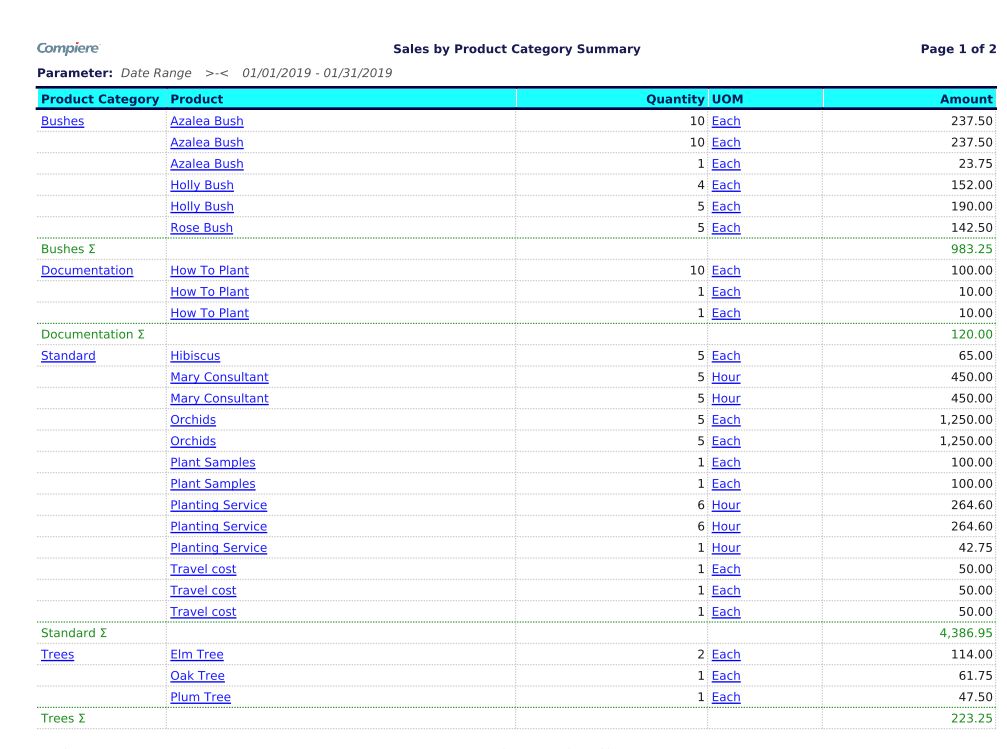
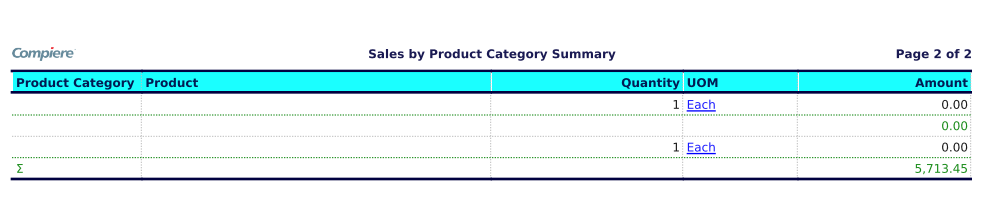
Sales Invoice by Product Category Detail
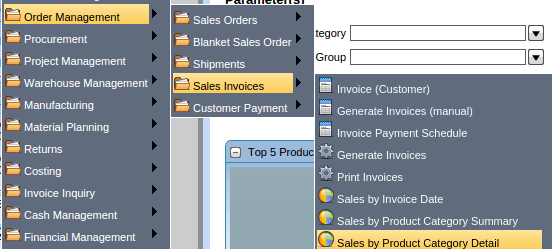
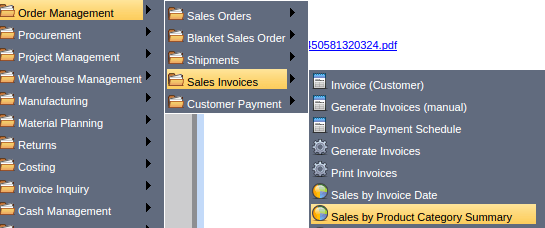
Main Menu --> Order Management --> Sales Invoices --> Sales by Product Category detail

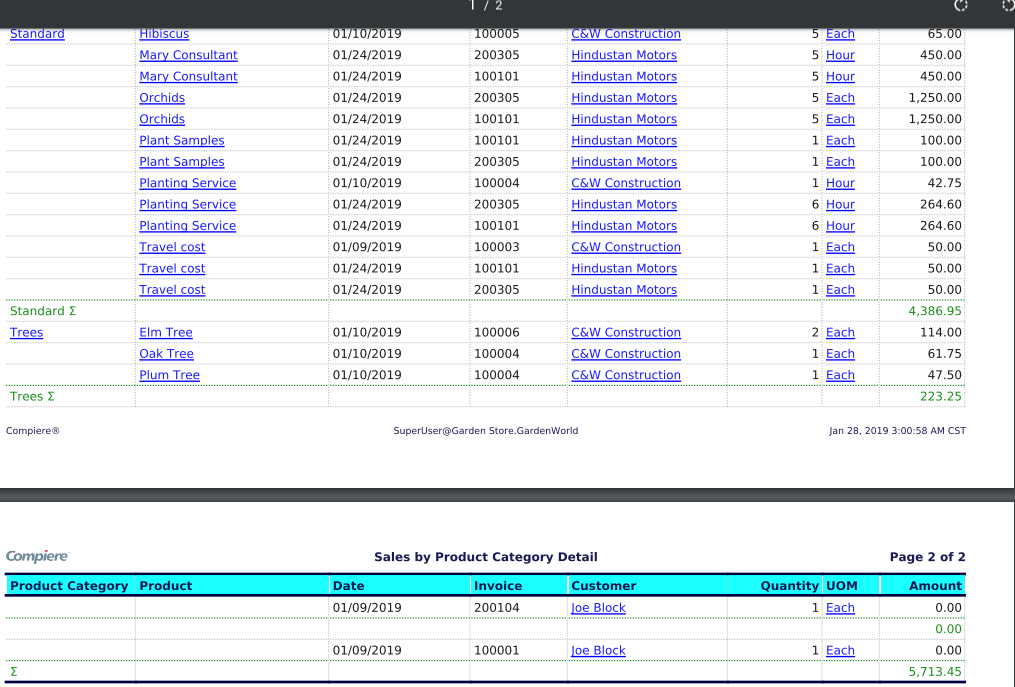
Sales by Product Category and Customer
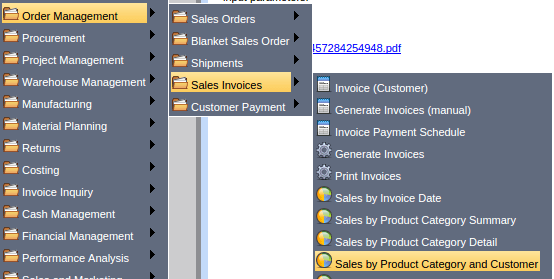
Main Menu --> Order Management --> Sales Invoices --> Sales by Product Category and Customer
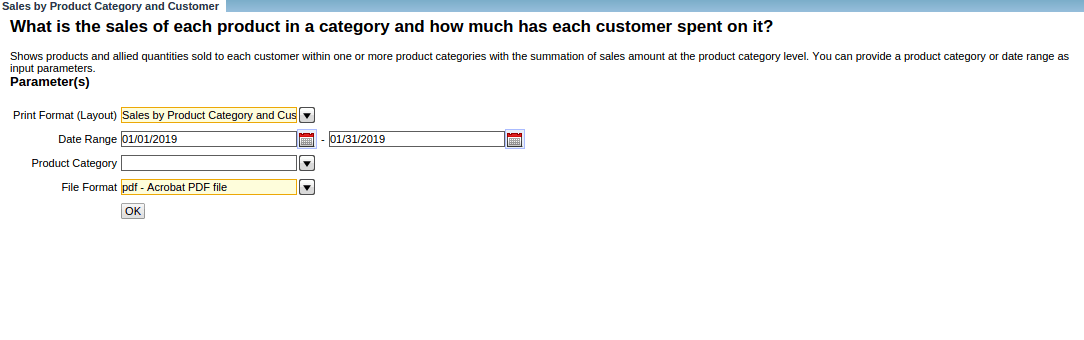
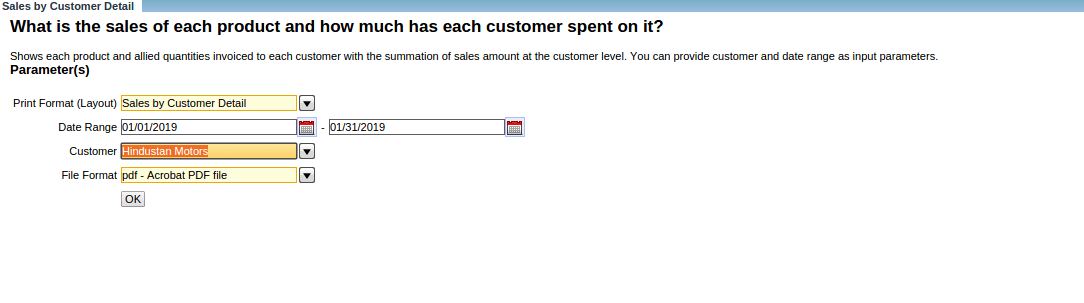
Sales by Customer Details
Main Menu --> Sales Invoices --> Sales by Product Category and Customer
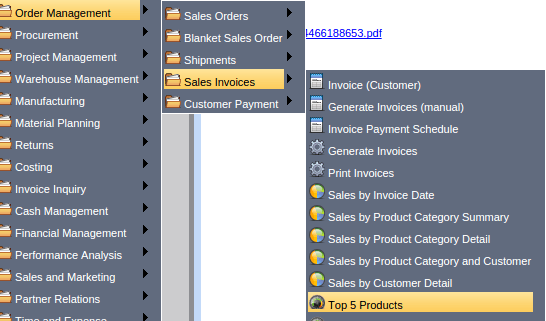
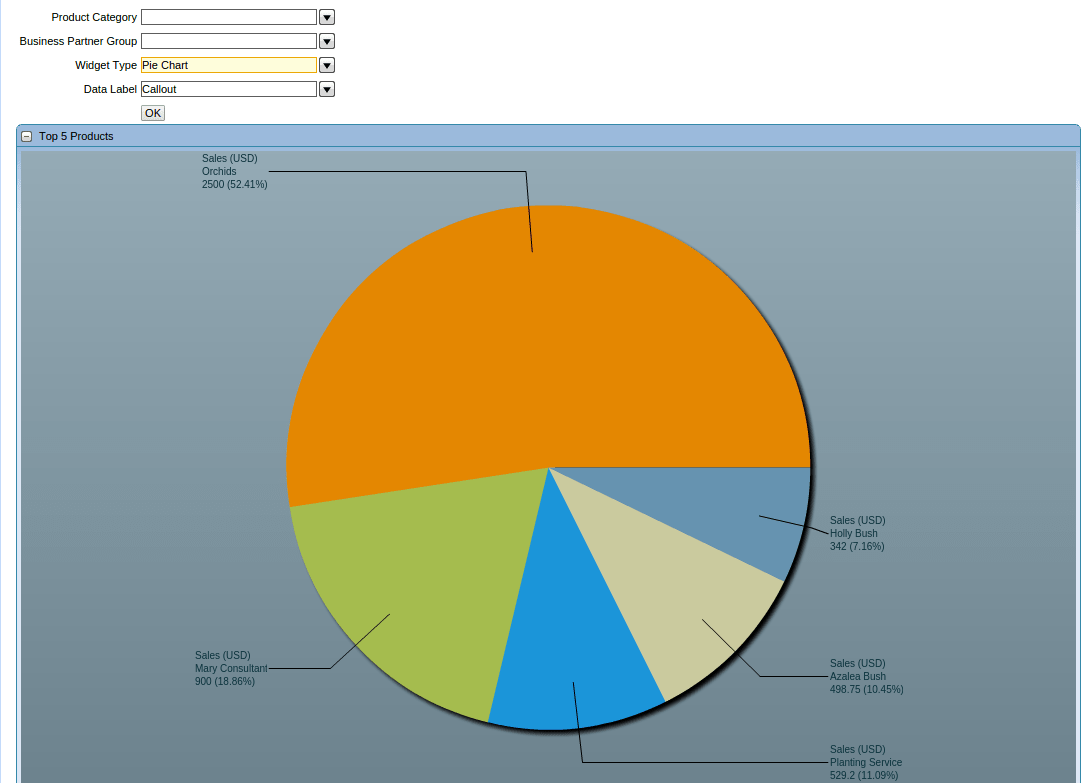
Top 5 Products
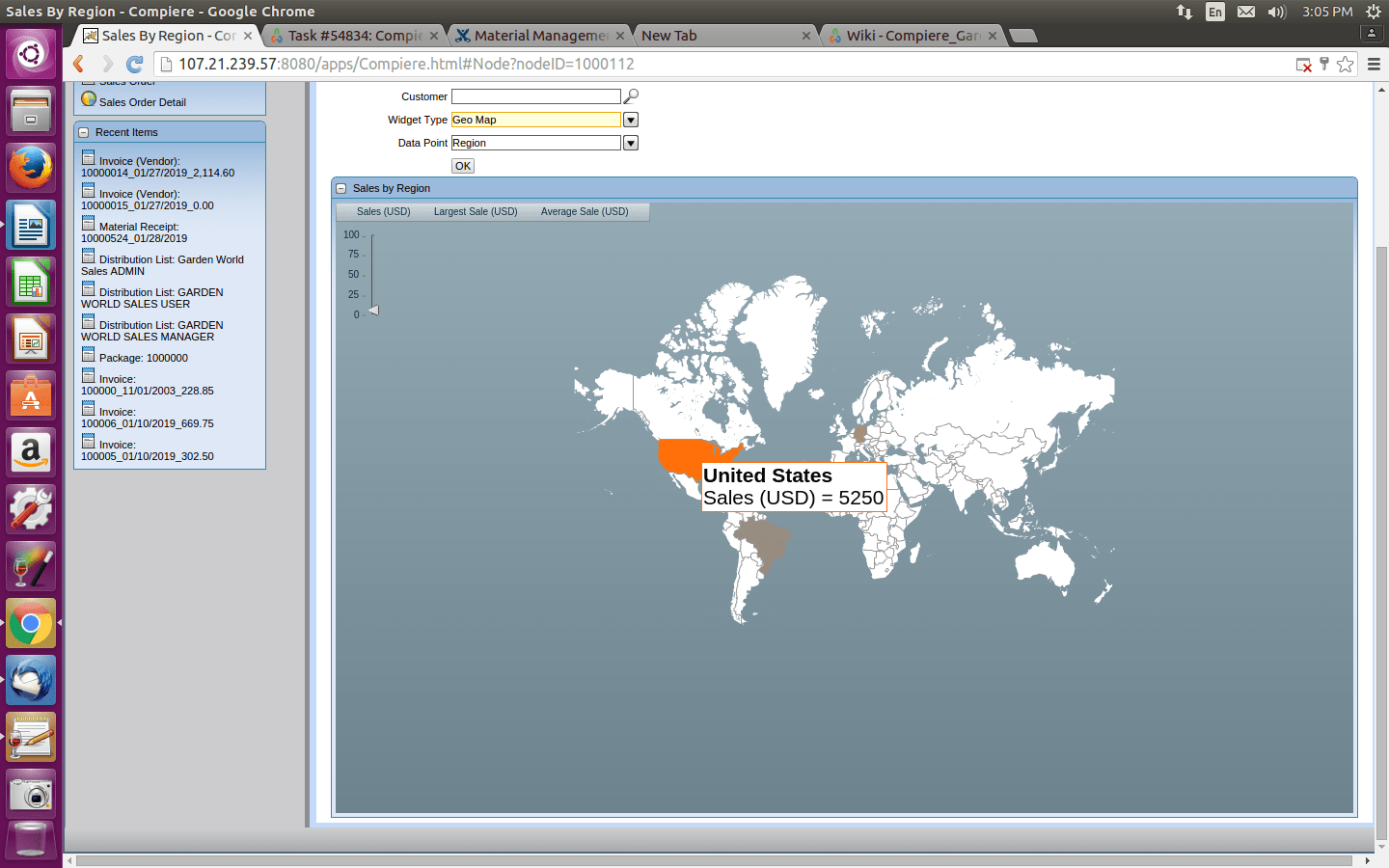
Sales by Region
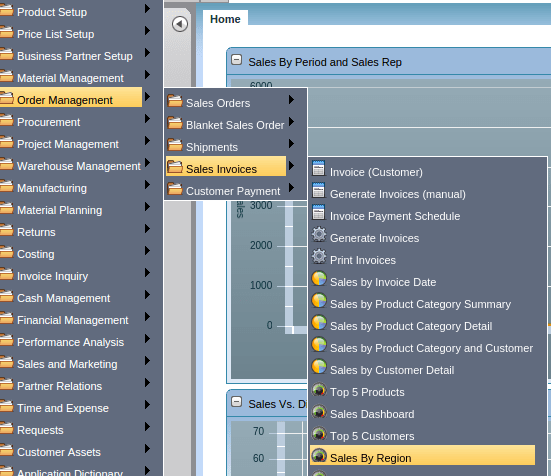
Main Menu --> Sales Invoice --> Sales By Region
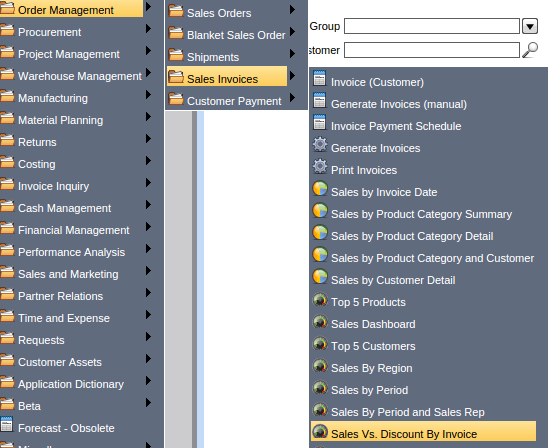
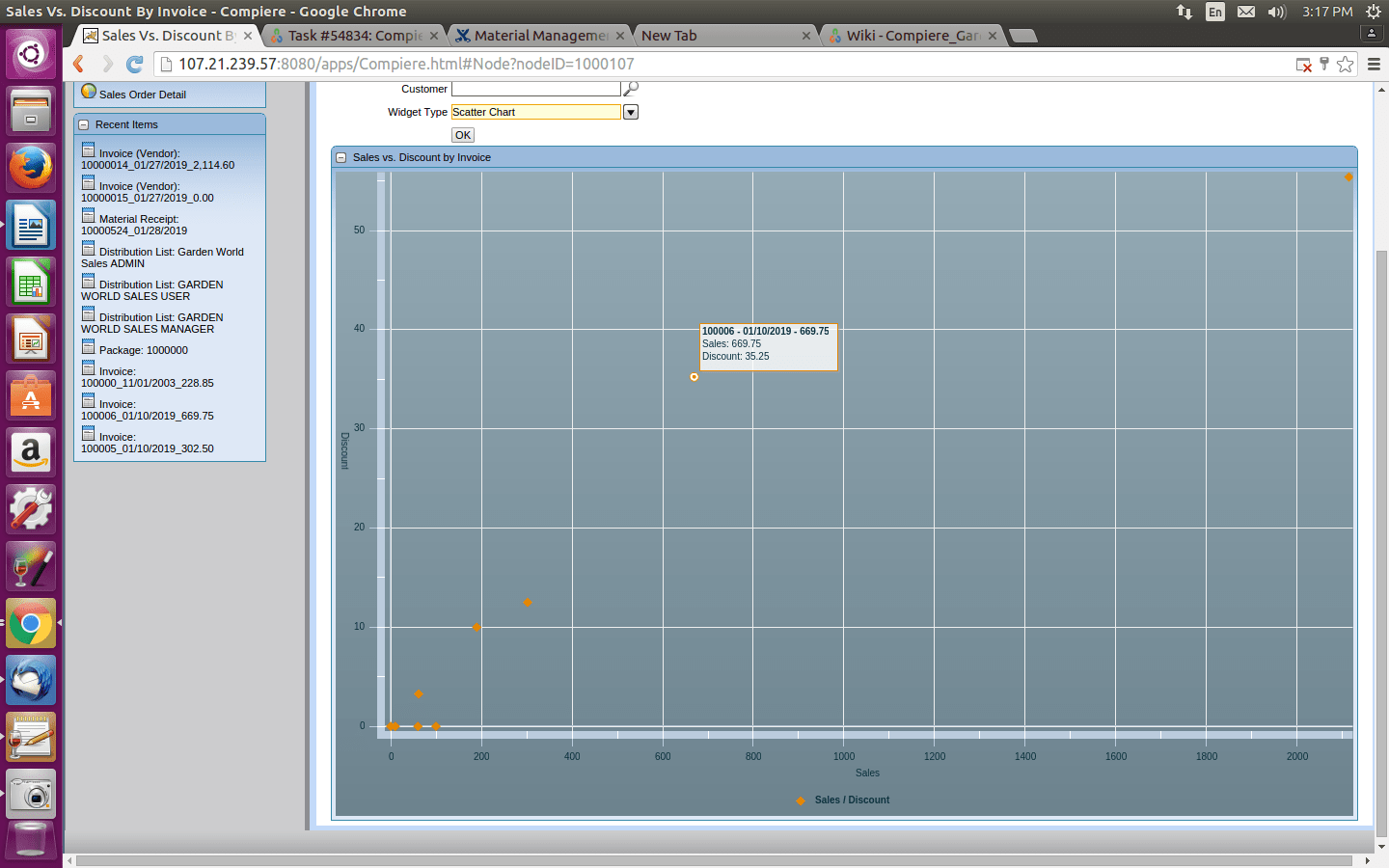
Sales Vs Discount By Invoice
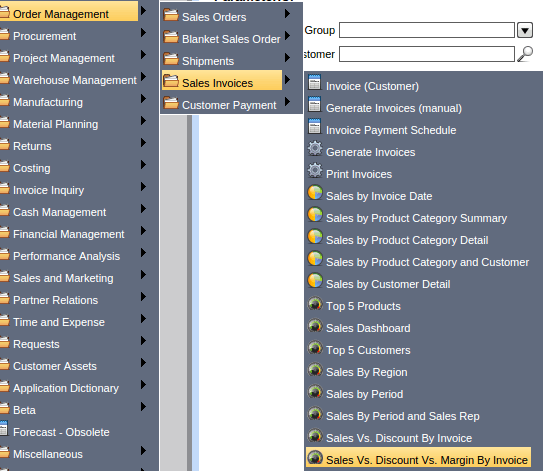
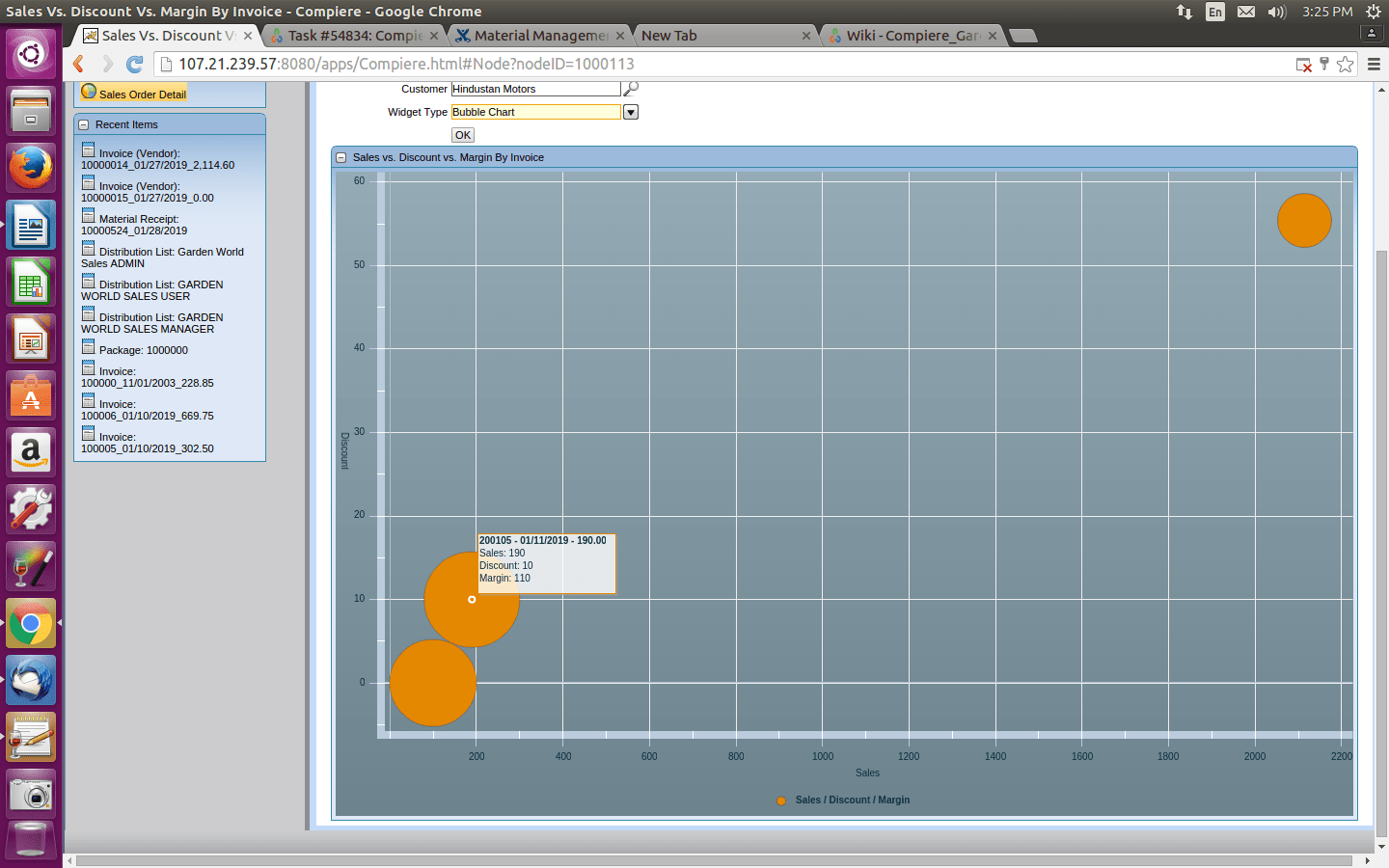
Sales vs Discount vs Margin by invoice
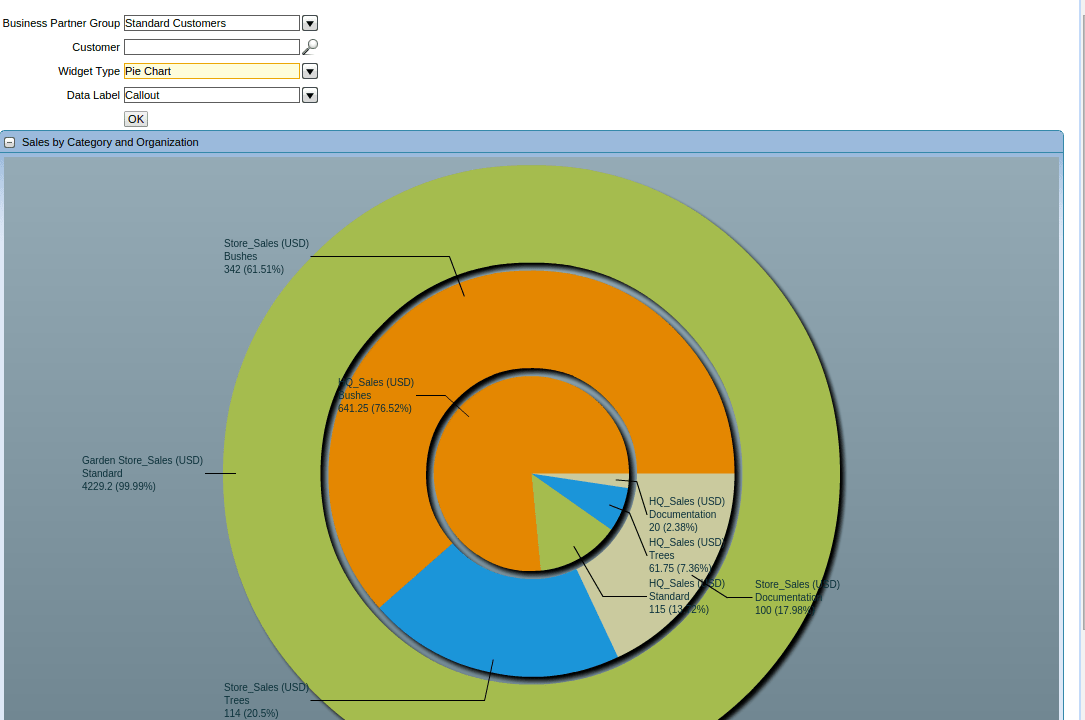
Sales by Category and Organization
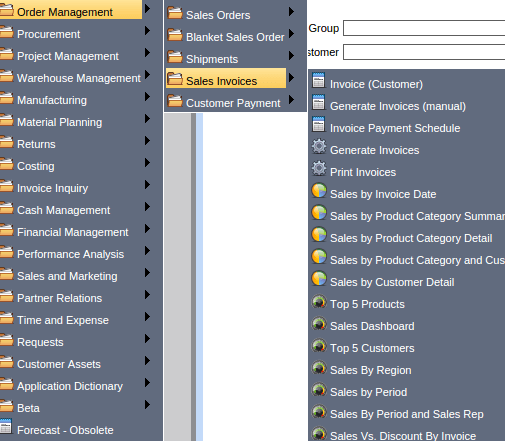
Main Menu --> Sales Invoice --> Sale by Category and Organization
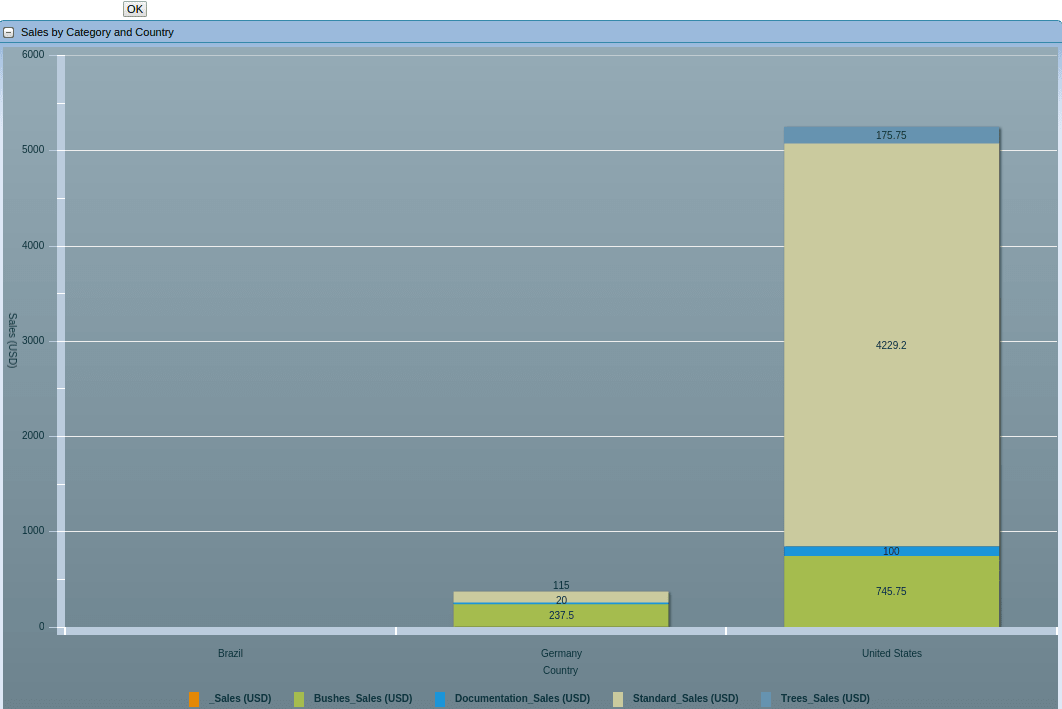
Sale by Category and Country
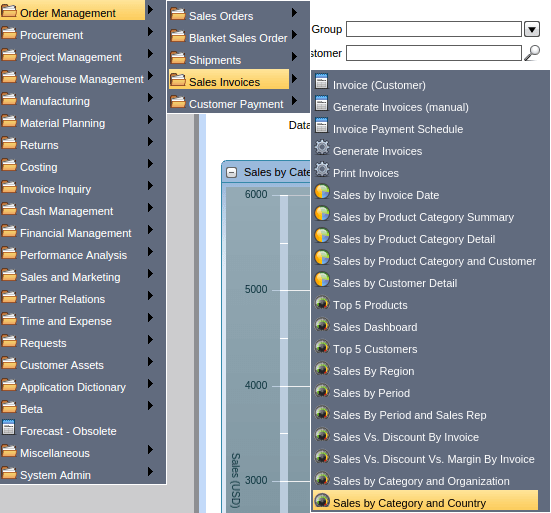
Main Menu --> Sales Invoices --> Sale by Category and Country