How to view OffClaim Invoice Report in Adempiere Retail
An Off-Claim Invoice Report is a report that shows purchase invoices where the tax amount cannot be claimed or taken as input credit.
User Access
Who Can Access
- Admin
- Back Office
- Purchase Manager
- Manager
What User Can Do
- View all Off-Claim Invoices
- Filter invoices
- Check reasons for Off-Claim
- View invoice details
- Validate vendor tax compliance
- Identify invoices needing correction
Pre-Requisite Activities
- Vendor Invoices Must Be Entered
- Off-Claim Category Must Be Defined
- GRN (Goods Received Notes) Must Be Posted
- Tax and Discount Details Must Be Updated
- Vendor Master Must Be Updated
- Off-Claim Reason Codes Must Be Configured
Business Rules
- Only invoices that fail claim eligibility will be shown
- Invoices outside allowed date range become off-claim
- Voided or reversed invoices must be excluded
- Tax value must be validated
- Duplicate invoice numbers are automatically marked off-claim
User Interface
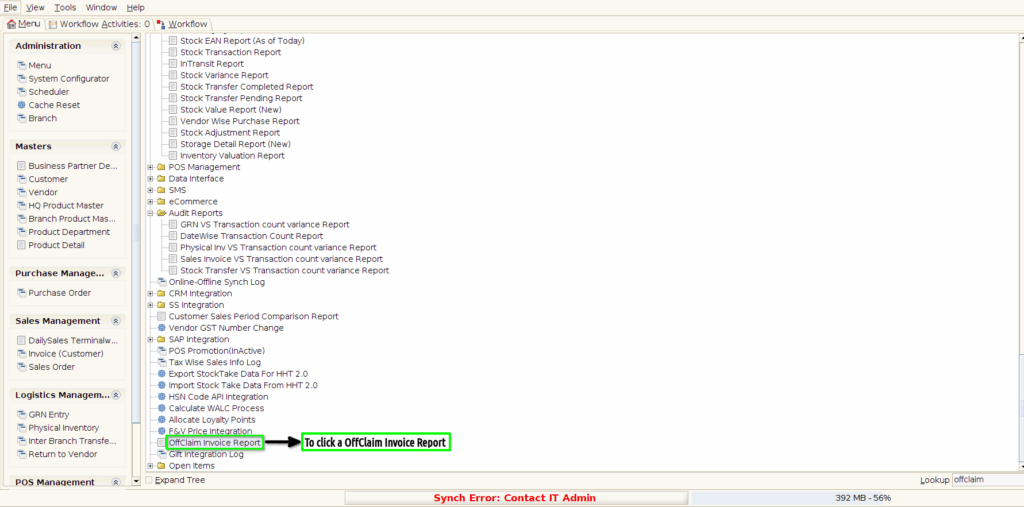
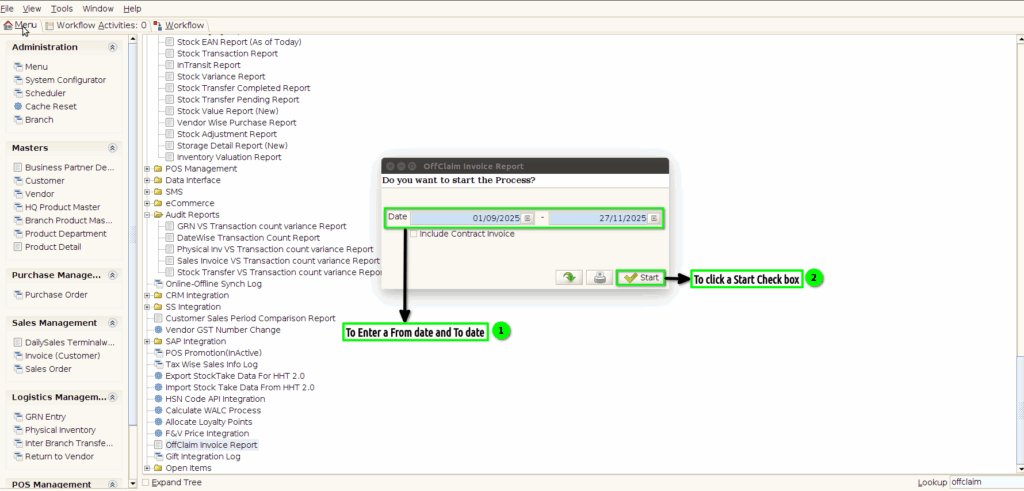
STEP 1: To Click a Offclaim Invoice Report in Menu.
STEP 2: To enter a Date range From date to To date.Then to click the Start Check box.
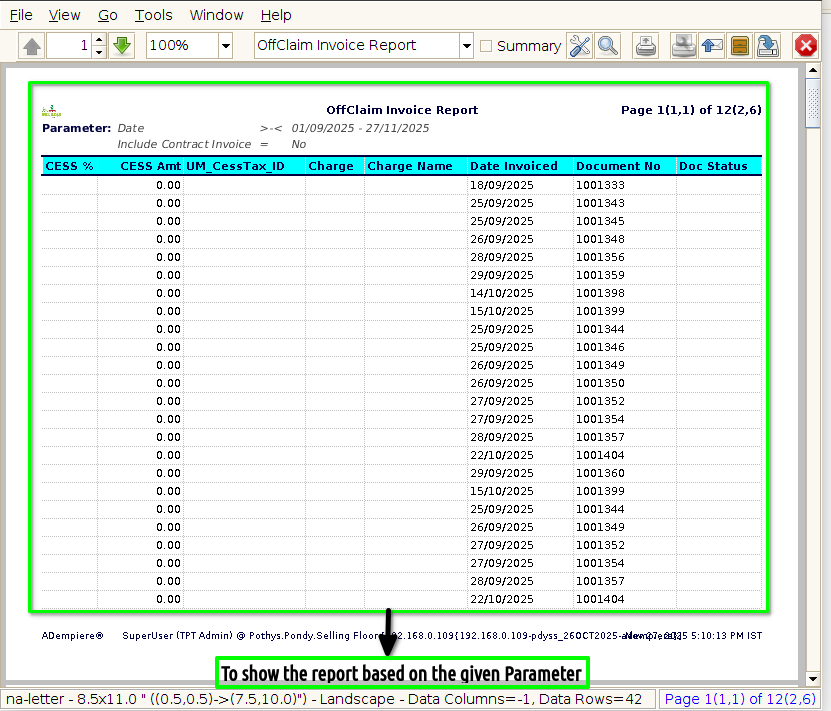
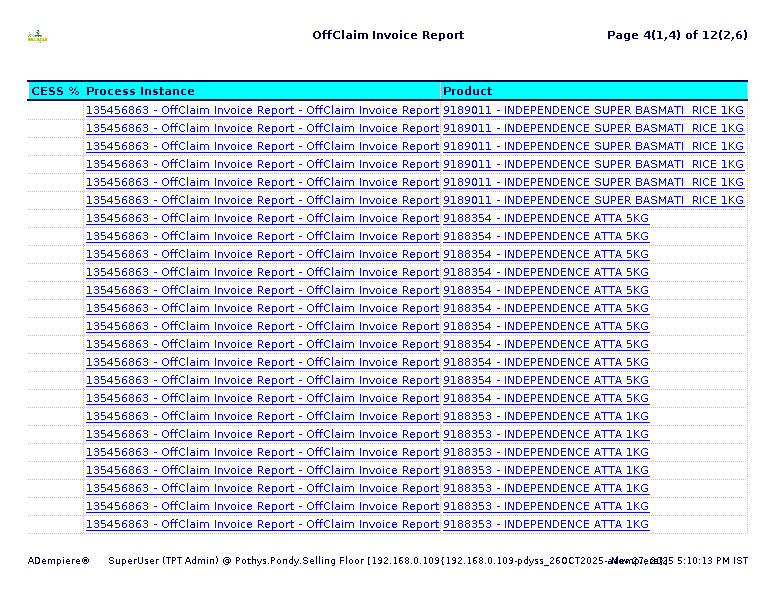
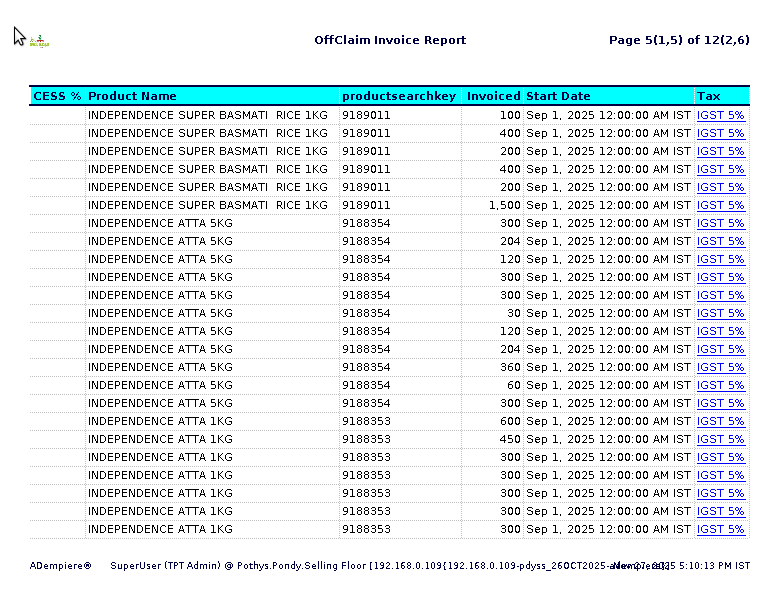
STEP 3: To show the report based on the given parameter.