Odoo ERP Implementation
Ten10 Methodology
We deliver structured, result-driven Odoo implementation for growing businesses. Our proven Ten10 methodology ensures a successful go-live within 90 days.
How our implementation works
01
Requirement Analysis
We begin with a detailed discovery process to map your business workflows, pain points, and requirements
02
Environment Setup
Flexible Deployment options for smooth testing, training, and production deployment with scalability and security.
03
Odoo Setup & Configuration
We configure Odoo to match your business processes. Customization ensures your system is aligned with your operations
04
Module-Wise Implementation
Step-by-Step Rollout of Core Modules for smoother adoption from master Products, Purchase, inventory and Point of Sale/Sales
05
Data Migration
We migrate your historical data, including products, customers, vendors, stock levels, and transactions
06
Testing & Quality Assurance
Through quality and performance testing, we validate functionality, integration, and user experience.
07
User Training
We provide role-based training to ensure adoption across all levels. Key users, End users and Management training
08
Go-Live
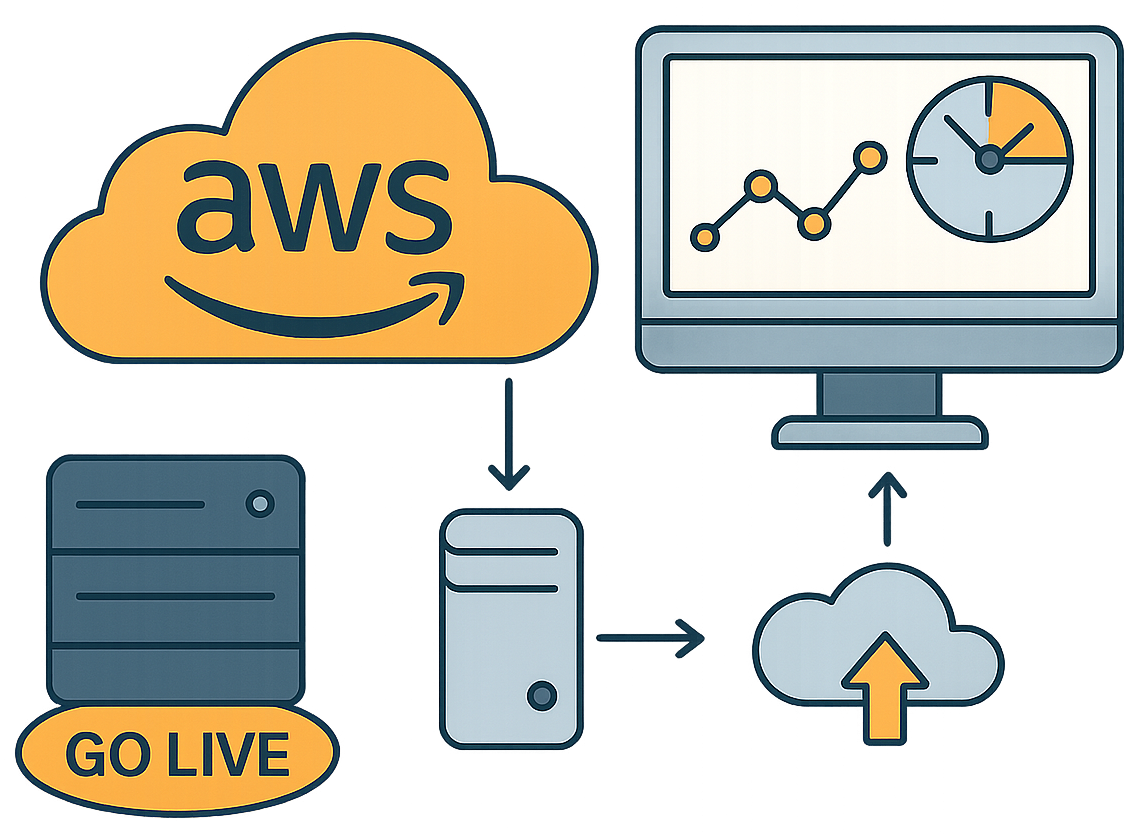
We deploy to AWS production, Smooth transition, freeze opening balances, and gradually switch users from test to live.
09
Post Go-Live Support
Priority support for first 30 days, daily monitoring, bug fixes and performance tuning.
10
Standard / Advanced Support
Continuous improvement – Add enhancements (custom reports, dashboards)
Requirement Gathering
Understanding Your Business Needs with a Clear Roadmap
We begin with a detailed discovery process to map your business workflows, pain points, and requirements. Our Odoo experts collaborate with your team to define goals, priorities, and the project roadmap.

Environment Setup
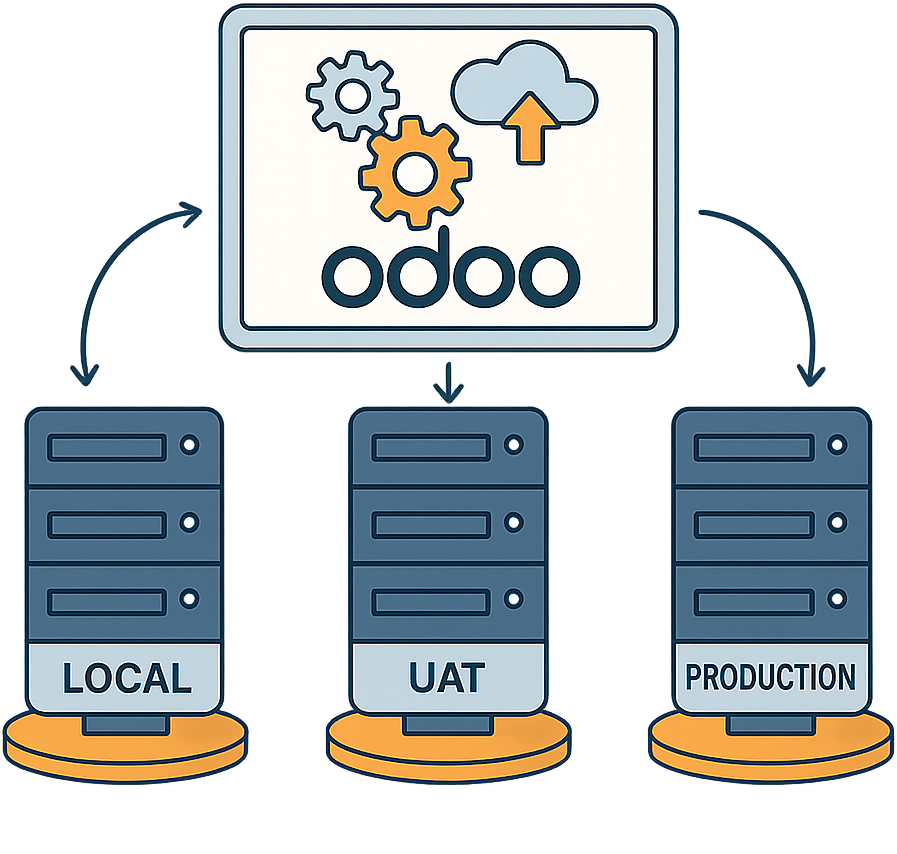
Flexible Deployment from Local, Test and Production (AWS)
We ensure proper environment setup for smooth testing, training, and production deployment with scalability and security in mind.
Odoo Setup & Configuration
Tailoring Odoo ERP for Business Excellence
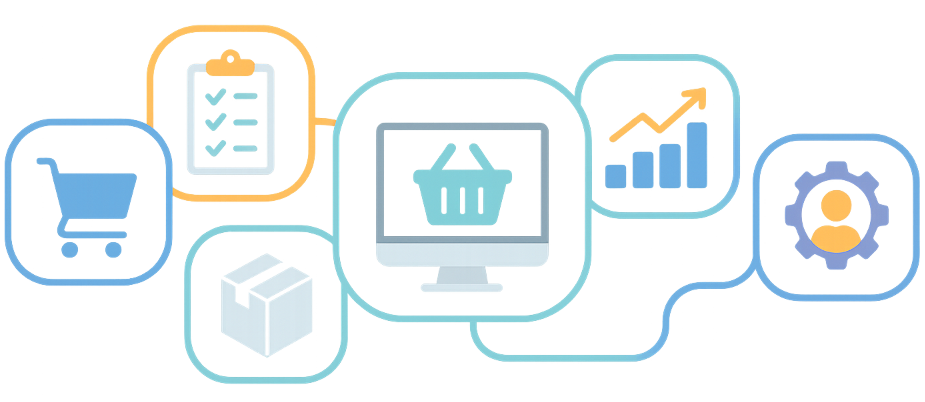
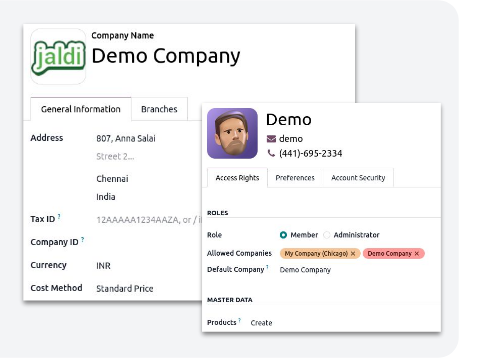
We configure Odoo to match your Company structure and operation covering Sales, Purchases, Inventory, HR, Accounting, eCommerce and Dashboards.
System Configuration
Module-Wise Implementation
Step-by-Step Rollout of Core Modules for smoother adoption
We implement modules one by one for smoother adoption. Our customization ensures your system is aligned with your operations.
1. Masters : Products with barcode, Category, Brands, Price List
2. Purchase : RFQ -> PO -> GRN -> Vendor bill with price lists
3. Inventory : Multi-warehouse locations, Valuation (FIFO/AVG), Expiry/lot
4 : Branch Transfer : Request -> approve -> Dispatch -> Receive with in-transit tracking
5. Sales & POS : Session, Payments method, Promotions, Loyalty, Receipt Formats
6. Invoice : Sales / Purchase Postings to journals and tax compliance
Data Migration
Secure & Seamless Data Transition
We migrate your historical data and every record is validated, cleansed, and tested for accuracy before moving into the new system.
DATA EXTRACT / PREPARE
Identify source and export data in structured formats (CSV, SQL dump)
MIGRATION TOOLS
Select appropriate migration tools (Import Wizard, Scripts)
FIELD MAPPING
Map source fields to Odoo models (splits, merges, renames, new fields)
DATA CLEAN-UP
Standardize formats, remove duplicates, incomplete records
TRIAL MIGRATION
Run initial migration into a test Odoo instance module by module.
VALIDATION
Validate data against source system (record counts, totals).
User Training
Empowering Your Team for Success
We provide role-based training to ensure adoption across all the user levels and departments.
Go - Live Production
Smooth Transition to Live / Production
We deploy to AWS production, freeze opening balances, and gradually switch users from test to live. Real-time monitoring and setup cloud backup.
- AWS Production Deployment
- Opening Balance & Stock Freeze
- Pilot Rollout (Test → Live Users)
- Switch Daily Operations one by one
- Parallel Run (1 Week)
- Final Cut-over & Shutdown Legacy system
- Monitor & Rollback Plan Ready