How to Add the Branch HSN Code for a Product in Odoo
HSN Code is an internationally standardised system used to classify goods and products. Branch HSN Code means branch-wise, we can assign different HSN Code to the same product.
Navigate to the Product Master
To access the Product Master, go to Inventory → Product → Product Master. Once in the system, open the Product Master and then click on the specific product that has already been created.
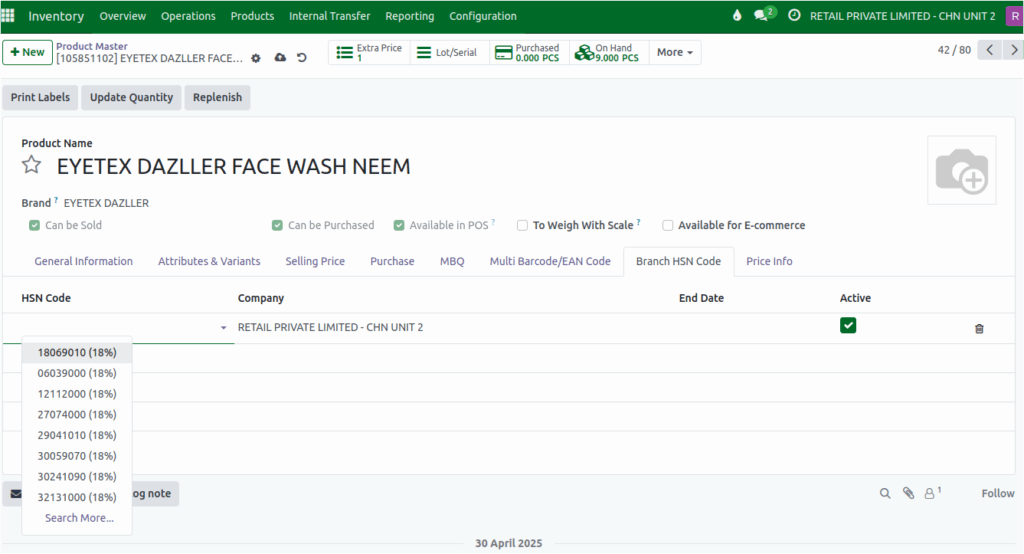
How to set the Branch HSN Code
Users can successfully map a Branch HSN Code to a product by selecting the appropriate Company and Branch. This enables accurate tax classification and reporting at the branch level.
Duplicate HSN Code Validation
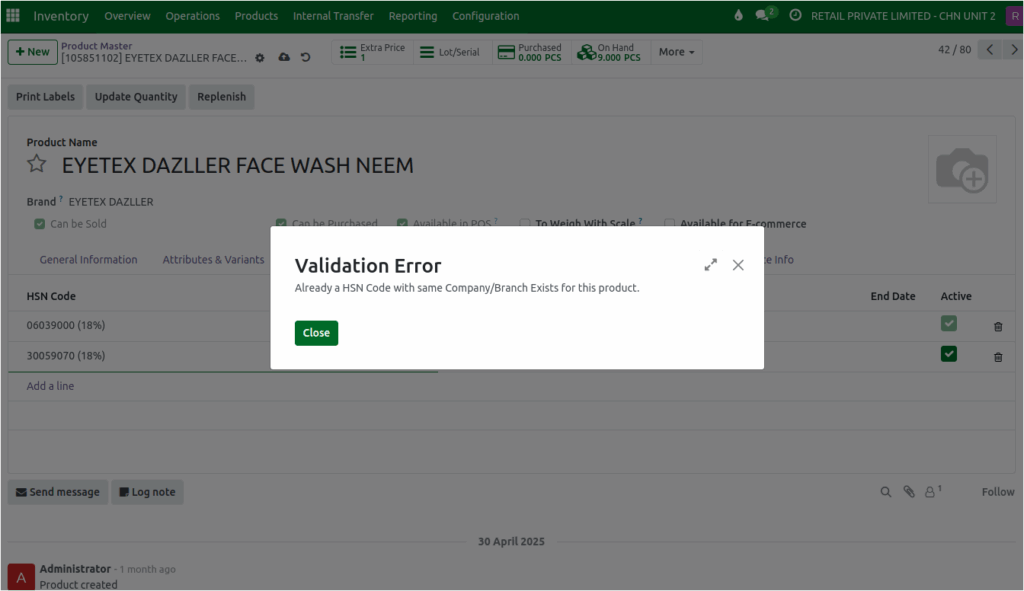
- The system automatically checks for duplicates when assigning HSN codes.
- If a user attempts to assign more than one HSN Code to the same product within the same Company and Branch, an alert message will appear:
Display of Branch HSN Code in Transactions and Prints
- Once a Branch HSN Code is mapped to a product, it will be automatically displayed in:
- Sales and purchase transactions
- Invoices and other related print document.
Setting an End Date for the Branch HSN Code: Users are allowed to specify an end date when mapping a Branch HSN Code.
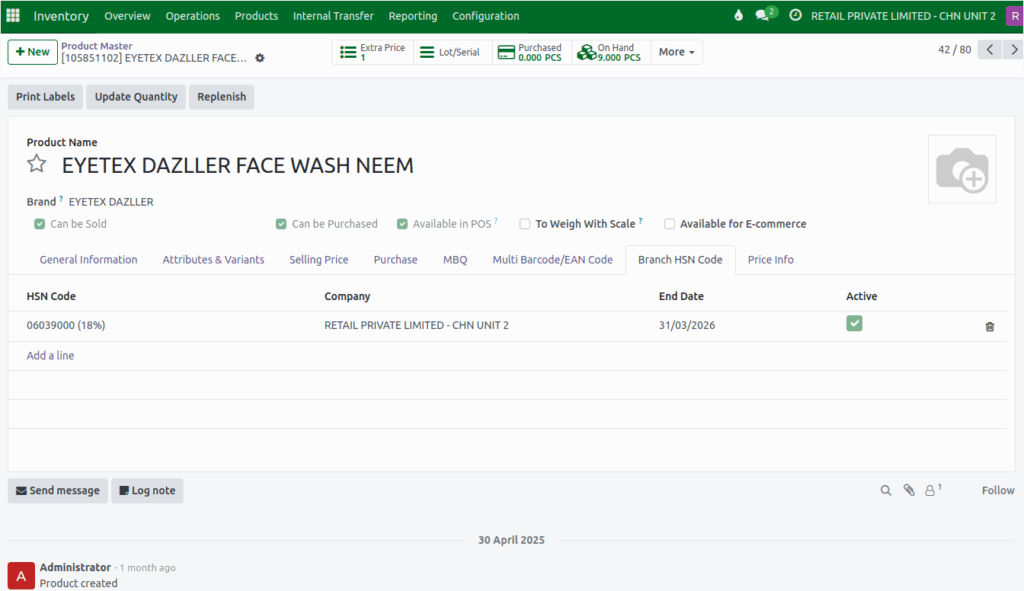
Deleting a Branch HSN Code Mapped to a Product: Users are allowed to delete a Branch HSN Code even after it has been mapped to a product.
