How to Create a New Employee in Odoo
An employee is a person working within your organization, and in Odoo, they are recorded for HR and operational purposes. Each employee has a profile containing personal and job-related information. Maintaining proper employee records helps ensure smooth business operations and efficient workforce management.
Navigating and Entering User Details
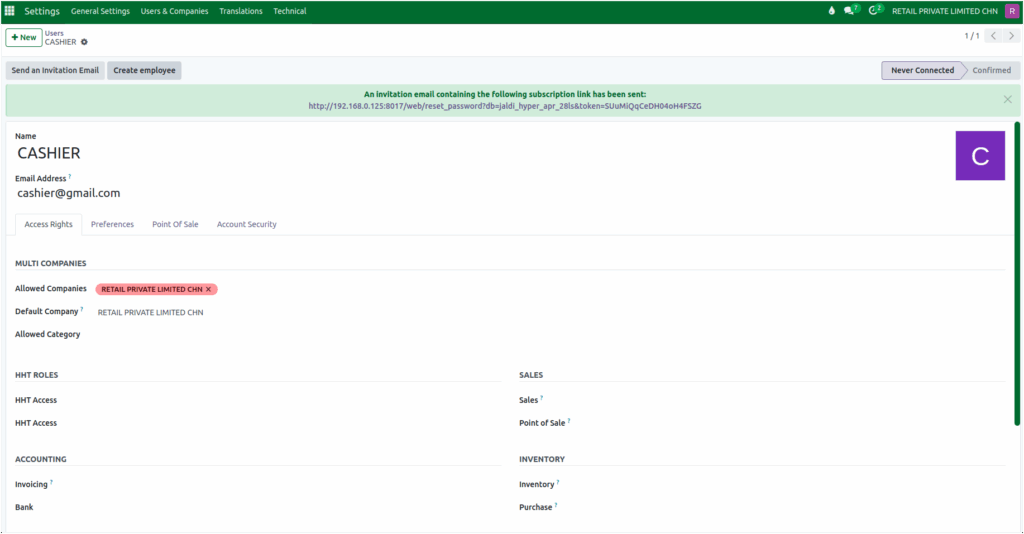
To create a new employee, start from the Odoo Dashboard and navigate to Settings → Users & Companies → Users. Click the + New button to begin creating a user. You will need to enter a valid user name, such as “John Doe,” which will be used to identify the user in the system. Additionally, a unique and valid email address must be provided, as this will be used for system login and notifications.
After entering the necessary user details, click the Save button. Once saved, a Create Employee button will appear. Clicking this button links the user account to an employee record, allowing the system to manage them as part of the workforce.
Accessing Employee Records
To view employee records, click Employee from the Dashboard. Existing employees are displayed in a kanban view. You can search for the newly created employee and click on their profile to see all relevant details.
Employee Profile Details
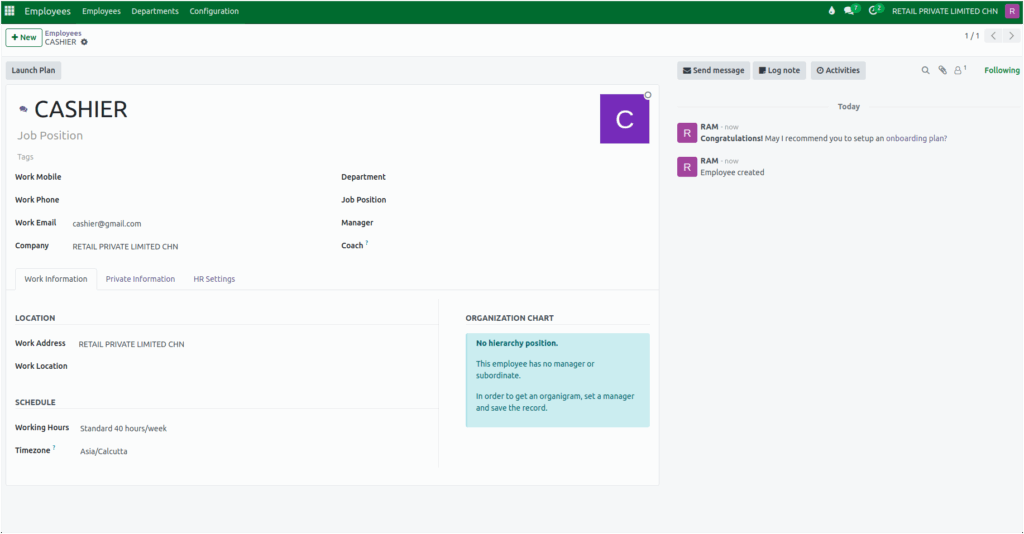
The employee profile contains important information such as phone number, email address, company, job position, and reporting manager. This central record ensures that both personal and professional information is easily accessible for HR and management purposes.
The employee profile is divided into several tabs. The Work Information tab shows job-related details such as location and work schedule.
The Private Information tab contains personal details, including private contact information, family status, emergency contacts, citizenship, education, and work permits.
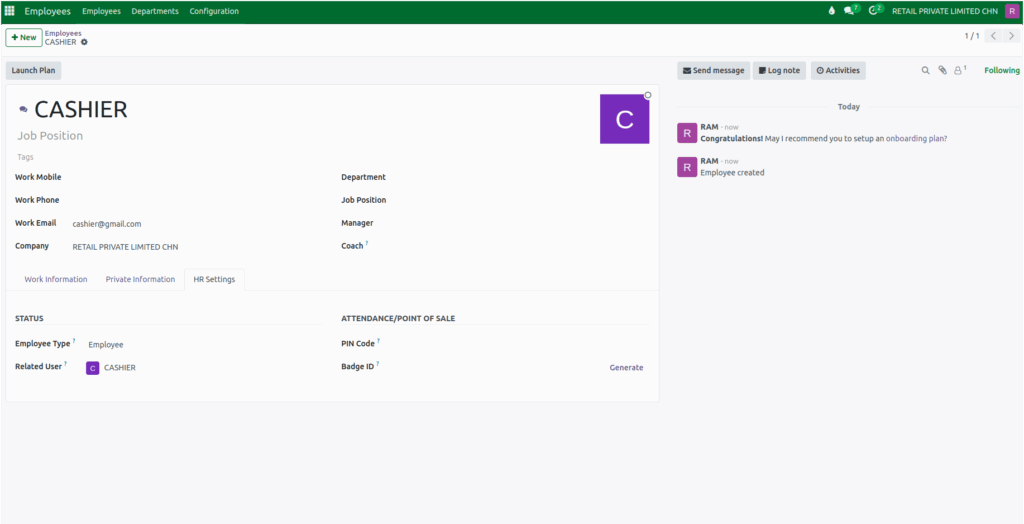
The HR Settings tab allows for configuring employee-related attributes to improve management and tracking. Here, you can set the employee type, link a related user account, assign a pin code, and allocate a badge ID if required.