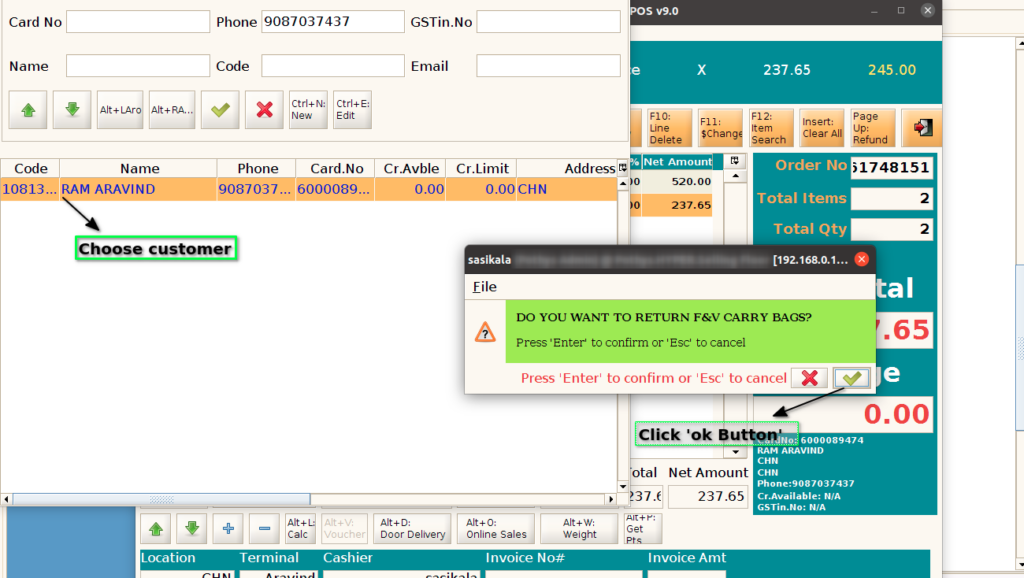
How to enable Additional Bonus Points for returning F&V Carry Bags during POS Sales in ADempiere Retail?
Customers can earn extra reward points if they bring back and return their fruit and vegetable (F&V) carry bags.
User Access
Who Can Access
- Cashier
- Admin
- Manager
- Back Office
What User Can Do
- Bring Back Carry Bags
- Redeem Bonus Points
- Track Bonus Points
Pre-Requisite Activities
- Registered Customer Account
- Loyalty Program Enrollment
- Carry Bag Return Policy Defined
- Physical Collection Point
Business Rules
- Registered Customer Requirement
- One-Time Points per Bag
- Points Credited Immediately
- No Points for Non-Return
- Points Redemption Rules
- Return Verification
User Interface
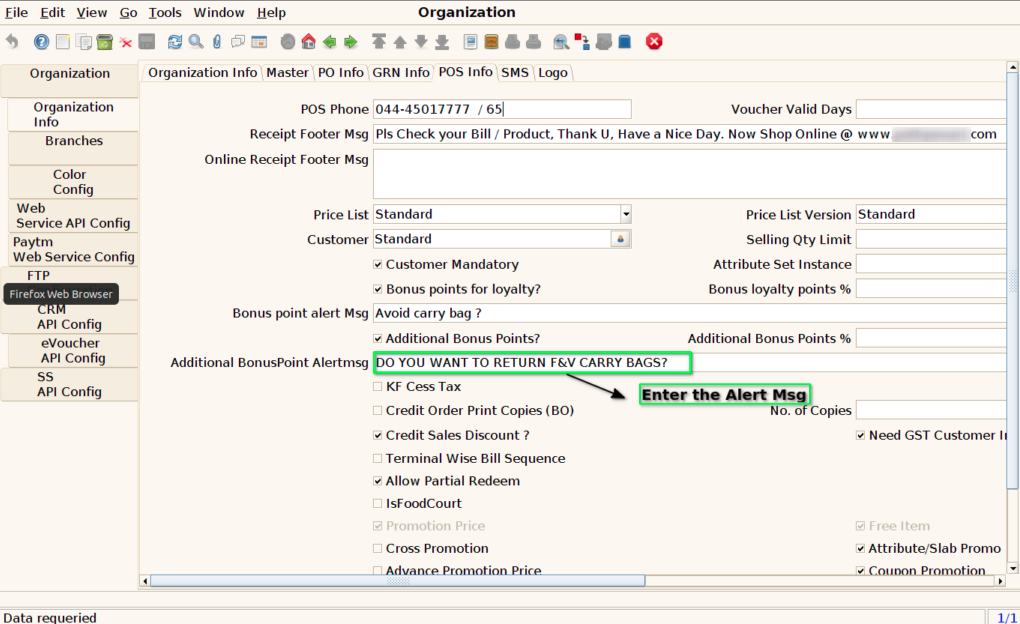
Step 1: Only for SS, configure the alert Message in the branch screen
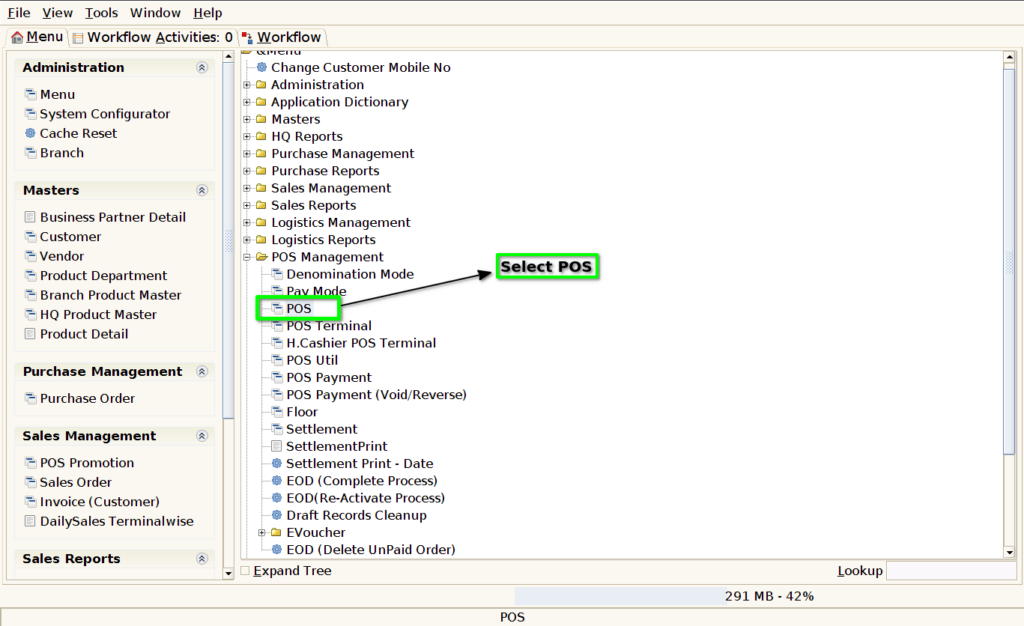
Step 2 : Select ‘POS’ in Menu -> POS Management -> POS or Search POS in Lookup.
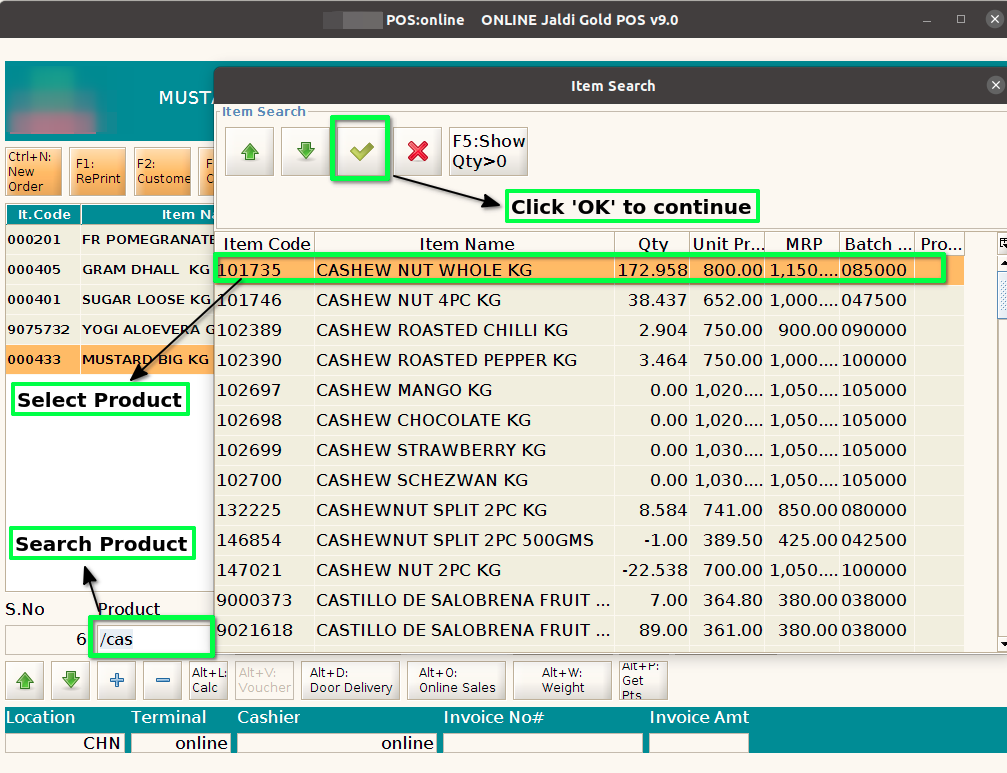
Step 3 : Search Product using Product Code, Product Name, Barcode
Step 4: Choose the Customer and then Click the OK Button