How Price Tag Integration Works in Odoo
Price tag integration in Odoo helps retail stores create, update, and manage product tags smoothly. This feature allows users to generate electronic tags, view product details clearly, and submit the final tag setup for printing or display. Below is a simple explanation of how the process works inside Odoo.
Managing Price Tags in Odoo
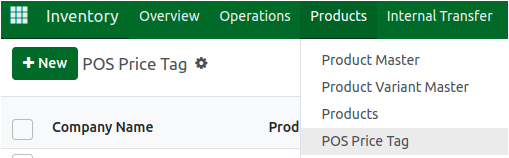
The price tag setup begins in the Inventory module. After opening the Products section, the POS Price Tag screen allows users to start a new tag or update an existing one.When a user clicks New, the system opens a fresh price tag form. By selecting a product line and clicking GET, Odoo automatically pulls the product details and shows the items ready for tagging. For example, a product such as KNORR TOMATO NOODLE SOUP 51GMS will appear with its product ID and description.

The system also displays all related product information such as company name (Retail), product code, tag code, the product price, and whether the item can be updated. If a user clicks UPDATE, the edit option becomes active and the update checkbox turns on automatically. Odoo allows updates for either all products or only selected items based on the requirement.

Generating eTag Prices and Submitting Tags
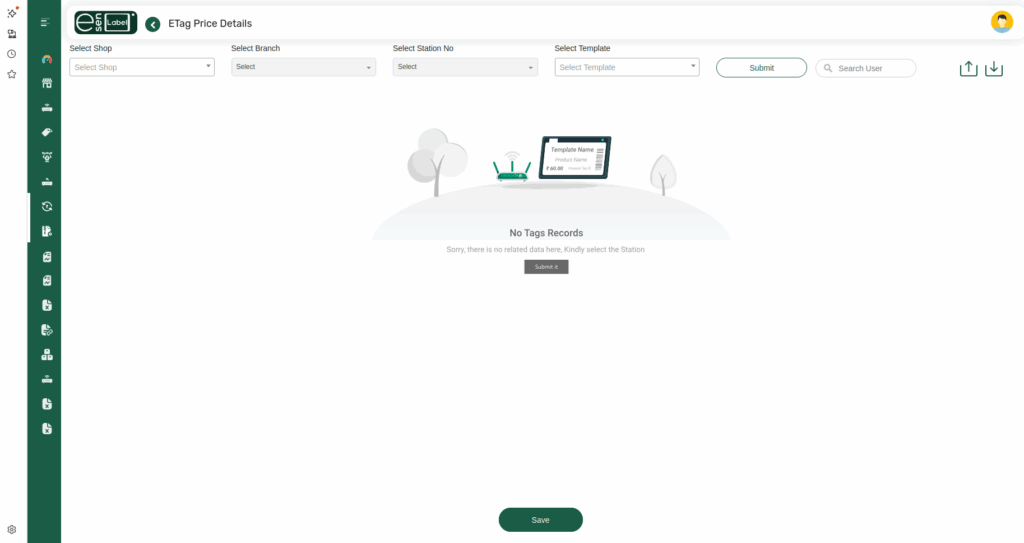
Odoo also supports electronic tag (eTag) generation. When the user opens the price tag integration screen, they can click eTag Price to prepare the tag for digital display. The + button adds more products to the list if needed.
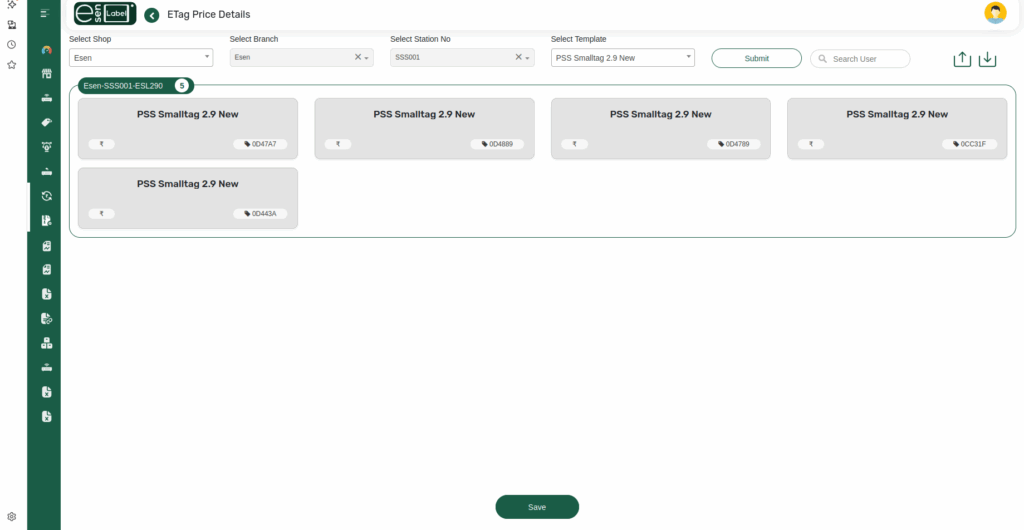
Before submitting the tag, the user selects the shop, branch, station number, and template—such as Smalltag 2.9 New. Once everything is chosen correctly, clicking Submit finalizes the entire tag setup. After submission, all related products appear in the price tag product list for verification or further updates.
Viewing and Managing Tag Product List
All products linked to a tag are shown in an organized list. Users can click on any product to view its details or make corrections. This helps maintain accurate pricing across the retail system and ensures that every product is displayed properly both in-store and on electronic screens.
Product Details in eTag
When product details in the price tag screen, Odoo shows essential information like the retail price, product name in English , brand, and item code. Each selected product in the price tag list can be viewed or updated individually. This makes it easy for users to maintain correct pricing and descriptions.
For example, a product entry may show the retail price, product names, and brand name clearly so that the tag reflects accurate information. This helps ensure consistency across shelves, stores, and electronic display systems.
