How Organization Works in iDempiere
In iDempiere, an Organization represents a distinct business unit, legal entity, or department within a company. It defines the structure under which financial, inventory, and operational transactions are recorded.
Organizational Structure in iDempiere
An Organization can be a:
- Legal business entity
- Branch office
- Department
- Store location
iDempiere allows you to create multiple organizations under a single business tenant.
What You Define in the Organization Window
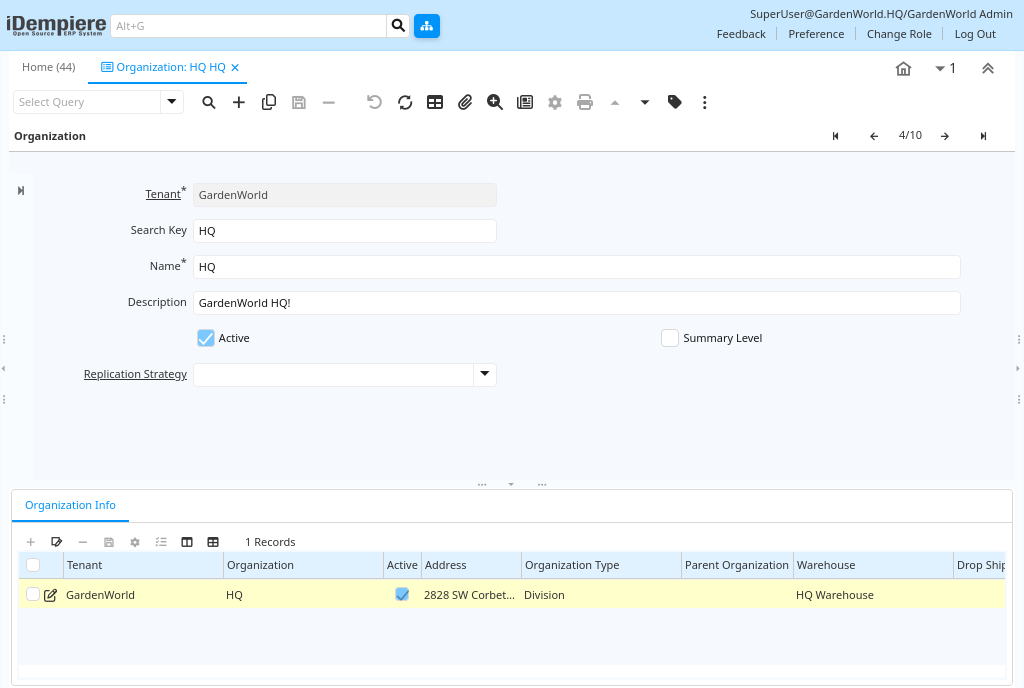
The Organization window lets you set up core details such as:
- Name – The recognizable name of the organization
- Search Key – A unique identifier for quick lookup
- Description – Optional detail about the organization
- Active or not – Controls whether this organization is currently in use
- Summary Level – Determines if the organization is a parent node for reporting
These basic fields enable the system to determine how transactions are grouped and processed.
Additional Details in Organization Info
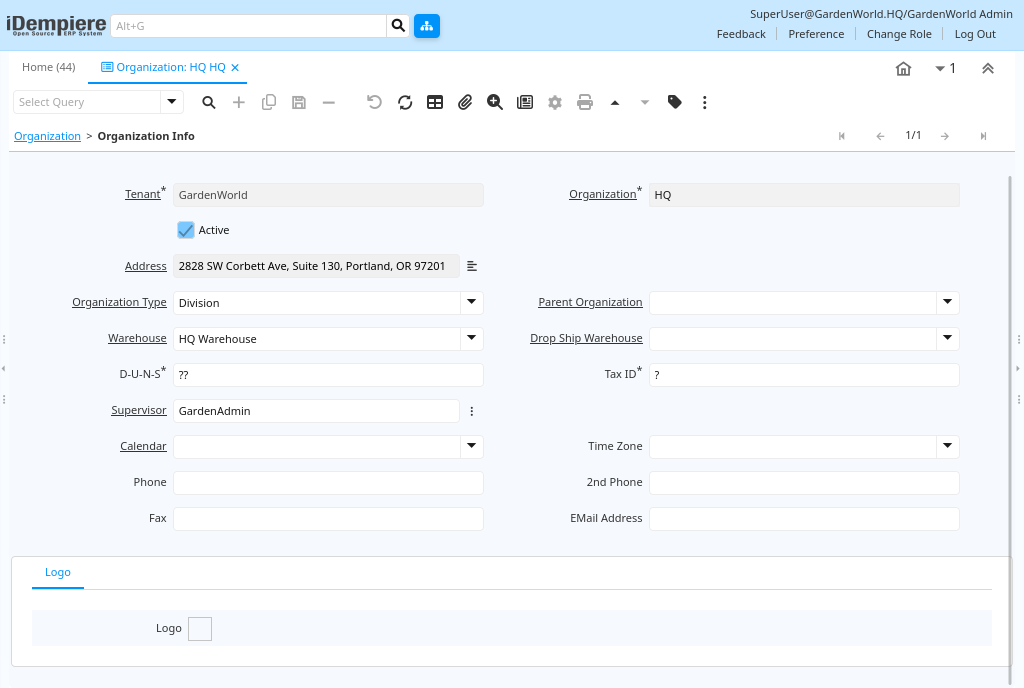
In the Organization Info tab, you can specify:
- Address and Location: Official address of the organization
- Tax ID and D-U-N-S Number: Legal identification for tax and compliance
- Warehouse: Physical storage location tied to this organization
- Parent Organization: Enables hierarchical organization trees
- Supervisor: Assigned person for escalation or approval
- Calendar & Time Zone: Operational timings and fiscal calendar
- Contact details: Phone, email, fax specifics
These fields help the organization be fully defined for both operational and legal use.
The Organization window in iDempiere allows you to define distinct business units within your company. This setup drives how transactions are recorded, segregated, and reported — supporting multi-organization operations, financial control, and organizational hierarchy.