How Activation / Addition, Disposal and Asset History Works in iDempiere
In iDempiere, the Activation / Addition, Disposal, and Asset History tabs collectively manage the entire lifecycle of a fixed asset from the moment it becomes operational to the point it is retired and removed from the books.
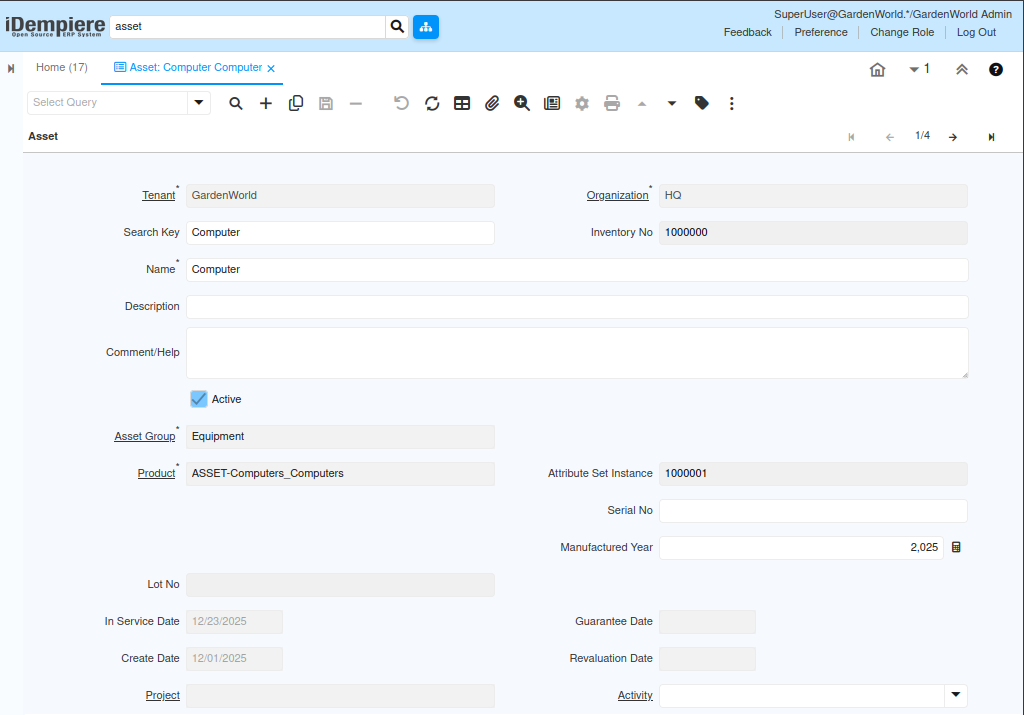
The Activation / Addition tab manages the process of making an asset operational and updating its value throughout its lifecycle. It ensures that the asset becomes eligible for depreciation and that any capital improvements are accurately captured.
Process Flow

Purpose of Activation / Addition :
- Activate a new asset so that depreciation can start
- Record additional costs that increase the asset’s value
It ensures that all capitalization activity follows proper accounting rules.
When an asset is first created, it is not yet active for depreciation. The activation process sets the asset’s depreciation start date, moves the asset into active status, generates the initial capitalization accounting entry, and ensures that depreciation schedules begin correctly.
How the Disposal Tab Works :
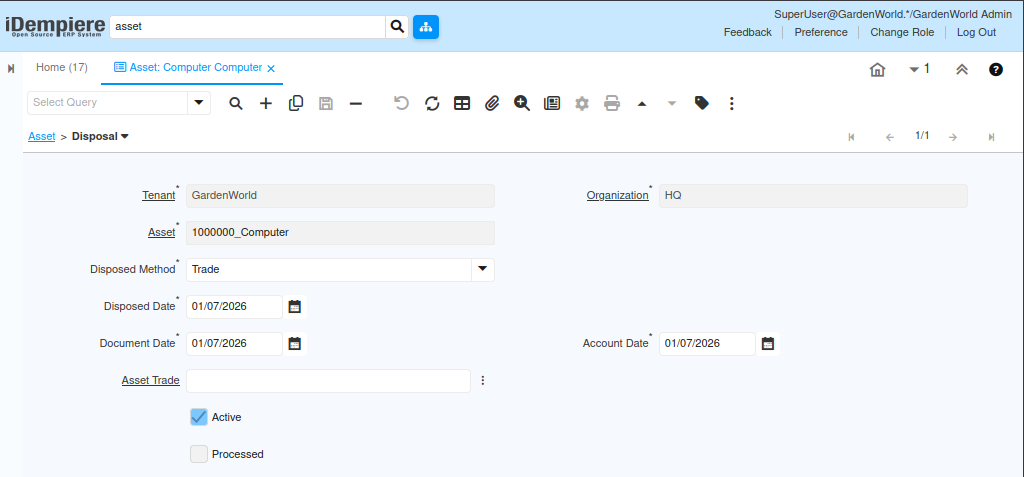
The Disposal tab manages the end-of-life process for an asset—whether it is sold, scrapped, donated, or written off. Disposal ensures that the asset is removed from the books with proper accounting.
Purpose of Disposal :
- Record how and when an asset is removed from use
- Capture proceeds or expenses related to the disposal
- Stop depreciation automatically from the disposal date
It ensures financial statements reflect the correct asset balances.
How the Asset History Tab Works in iDempiere :
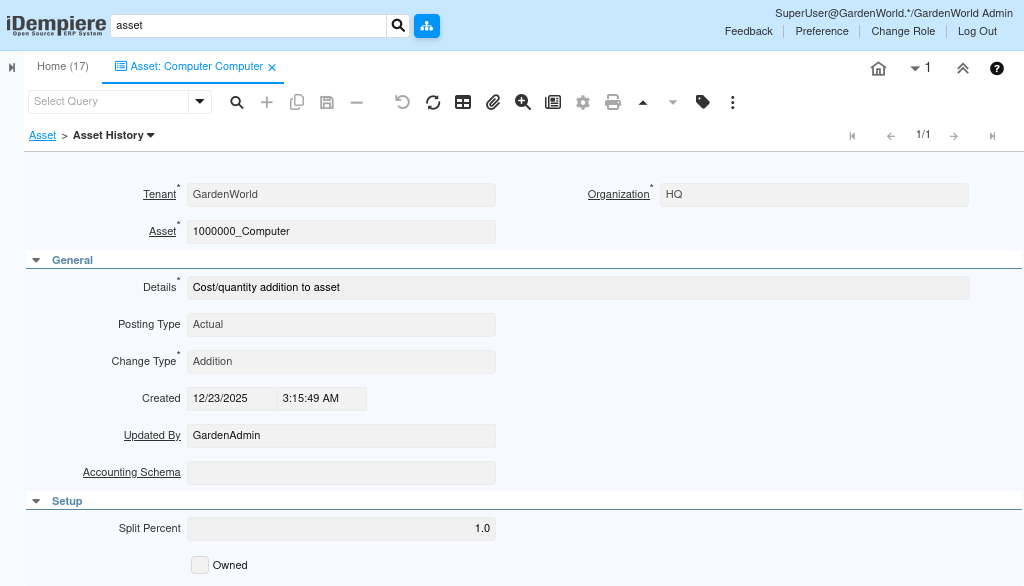
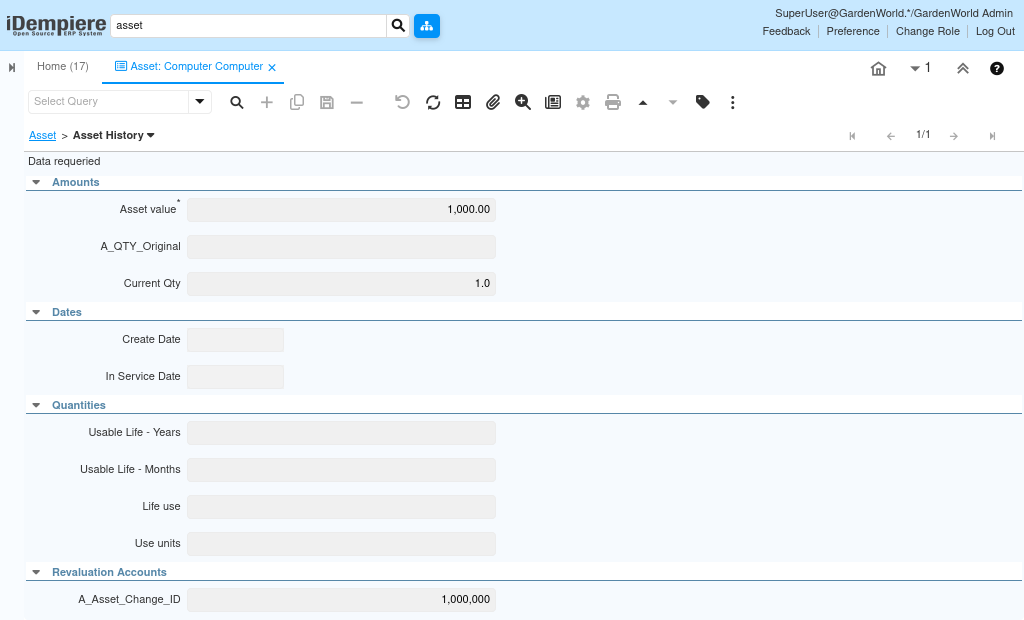
The Asset History tab provides a complete audit trail of all important events in the asset’s lifecycle. It ensures full visibility of every financial and operational change made to the asset.
Purpose of Asset History :
- All depreciation runs
- Additions
- Disposal records