How Performance Measure Works in iDempiere
The Performance Measure window in iDempiere is used to define the rules and metrics used to evaluate business performance. It allows you to create measurable indicators (such as sales amounts, invoice counts, or custom KPIs) that can be tracked over time or compared against targets.
Process Flow

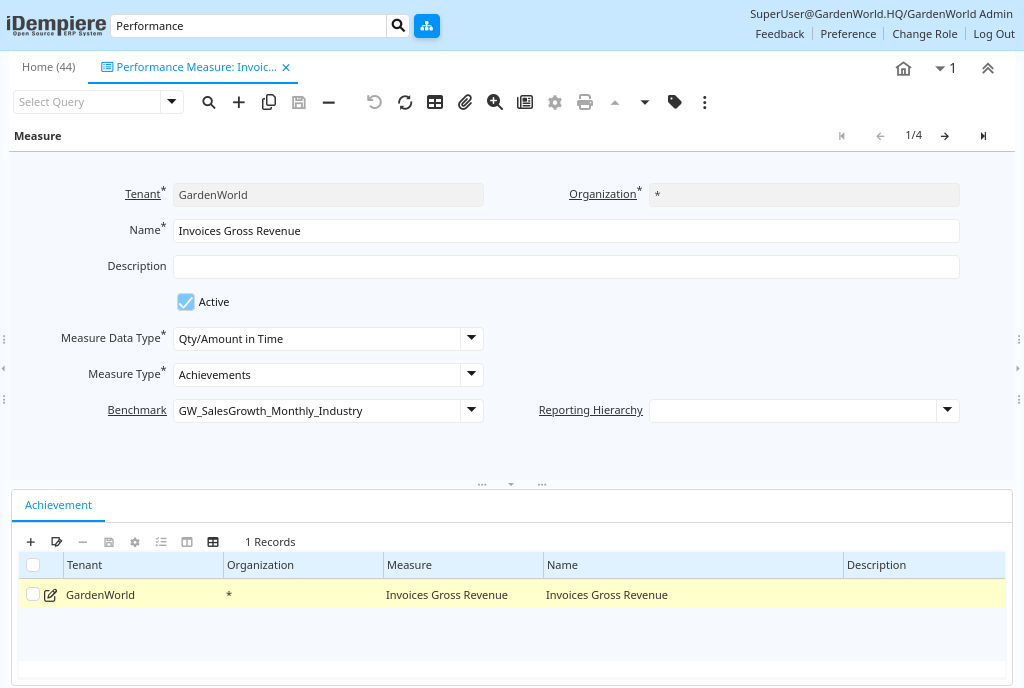
Measure Definition
iDempiere’s Measure tab defines performance metrics by specifying Name/Description, Measure Data Type (status snapshot vs. historical), Measure Type (value derivation), Calculation Method (logic reference), optional Manual Actual Value (for non-automated entry), and Request/Project Filters creating evaluable system metrics for performance tracking.
Achievement Targets
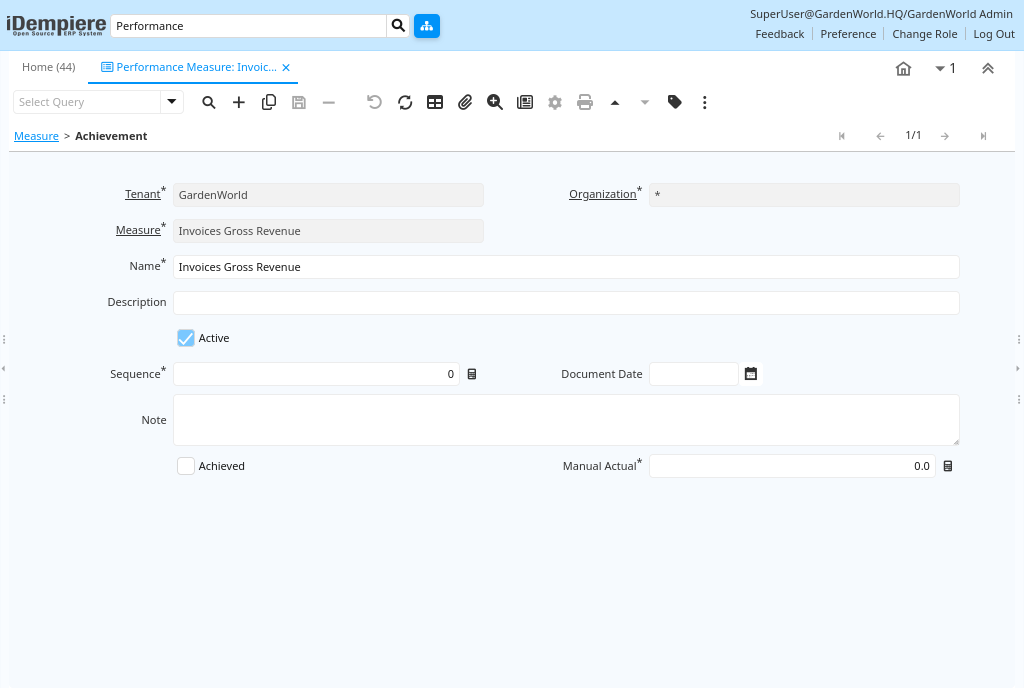
The Achievement tab lets you break the measure into specific targets or milestones. Each achievement record defines:
- Name
- Description
- Actual measured value
- Whether the target is achieved
Together, these define the performance outcomes evaluated against your measure.
Measure Usage Locations
Once defined, performance measures are used in:
- Performance Dashboards — Graphical displays of KPIs tailored to roles or users
- Performance Goals — Targets against which actual performance is compared
- Reports and Scorecards — Trend and goal achievement analytics
Performance measures can be displayed visually using gauges, charts, or dashboards based on dashboard configurations.
In iDempiere, the Performance Measure window allows you define quantifiable business performance indicators with rules, calculation methods, and targets. These measures feed dashboards, goals, and analytics throughout the system, enabling you to monitor and improve performance systematically.