How User Works in iDempiere
The User window in iDempiere is where you create and manage system users people who can log in and use the ERP with controlled access and permissions.
User Purpose
Each user record in the User window requires essential fields such as name, email address (used for login in web UI configurations and system notifications), and login credentials, with passwords securely managed during creation or updates. Users must then be associated with one or more roles in the dedicated User Roles tab, as roles form iDempiere’s primary access control mechanism without which users cannot perform any actions
User Account Creation
In the User window, each user is created as a record with:
- Name
- Email address
- Login credentials (password
The email address is used for notifications and login in some configurations.
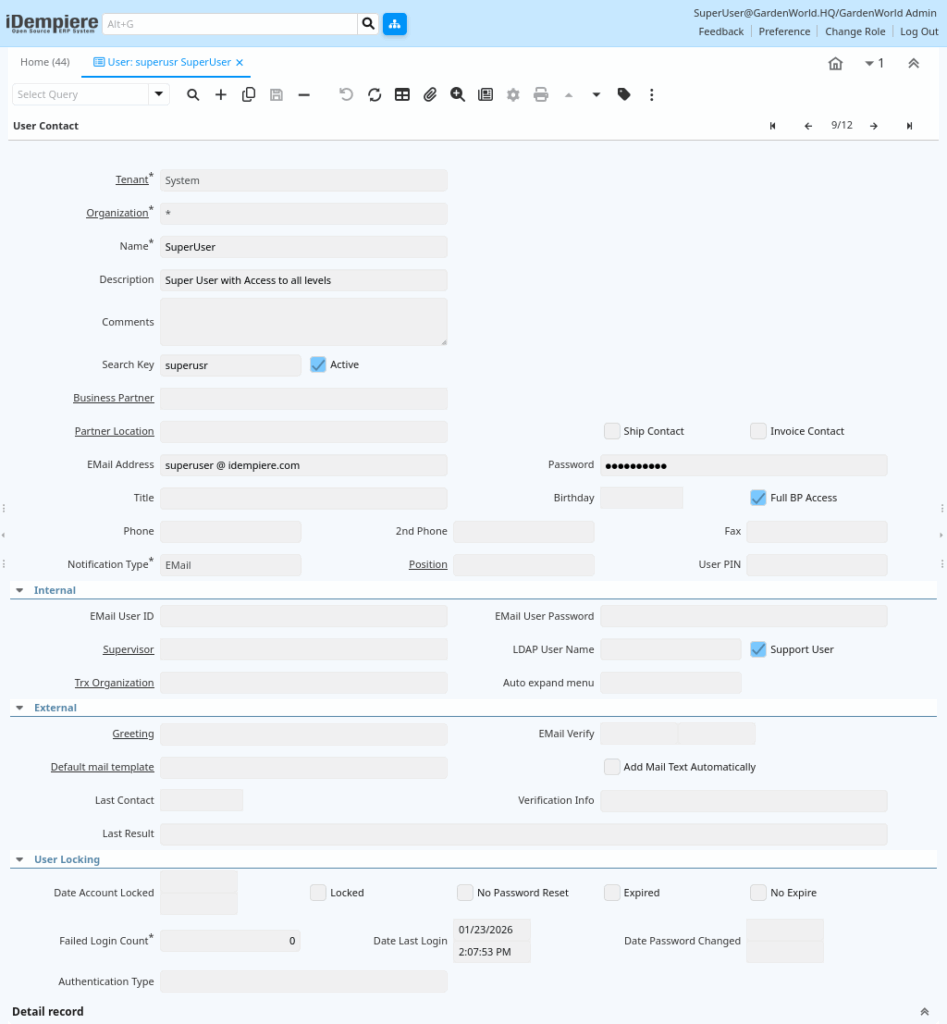
User – BP Link
A user can be associated with a Business Partner Contact. This means the user record represents both a person and their system account.
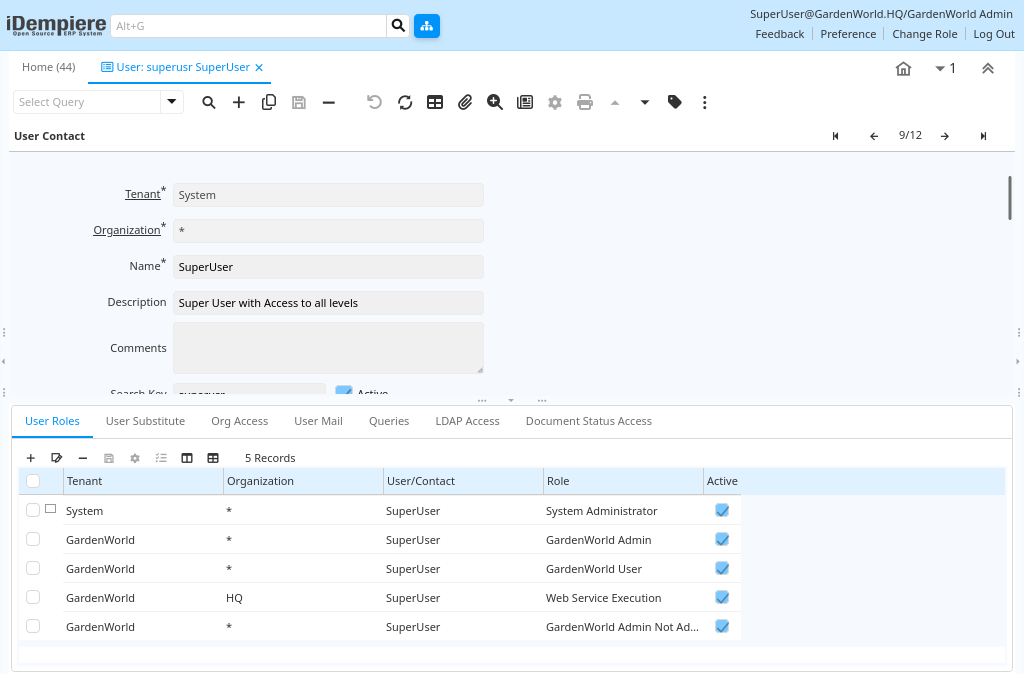
Role Assignment
In iDempiere, every user must have one or more roles assigned through the dedicated User Roles tab, as roles serve as the central access control mechanism defining precisely what the user can see (menu and window visibility), edit (field-level data modifications), run (process and report execution), and approve (workflow authorizations and document posting). This role-based access control (RBAC) system ensures granular security without custom coding, enabling administrators to enforce organizational policies efficiently across multi-tenant environments.
Organization Access
The Org Access tab in the User window precisely defines the organizational units where a user can operate, providing granular control that allows a single user to possess different permissions across various business segments such as read-only access in one organization and full editing/approval rights in another ensuring compliance and operational flexibility in iDempiere’s multi-organization architecture.
The User window in iDempiere empowers administrators to create system users, manage login credentials, assign roles and access rights, control organizational visibility through the Org Access tab, and support delegation, forming the essential foundation of security and access control throughout the ERP.