How Project Dimension Works in iDempiere
The Project Dimension links accounting entries to the purpose behind costs and revenue. It allows project-specific expenses, materials, services, and income to be tracked under a single reference, without altering the chart of accounts, giving clear project-level financial visibility.
Process Flow
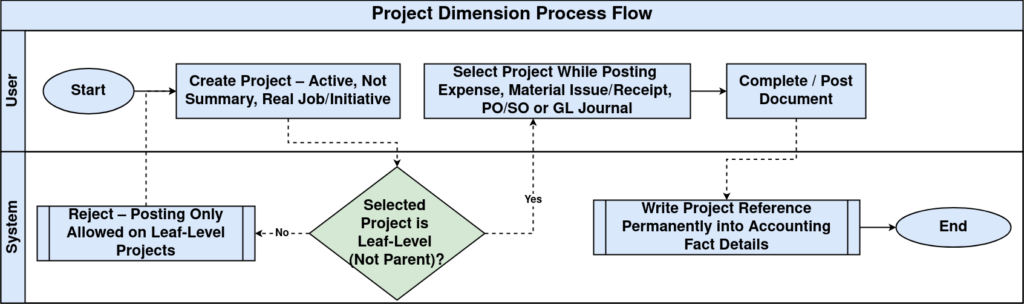
Creating Project Dimension Values
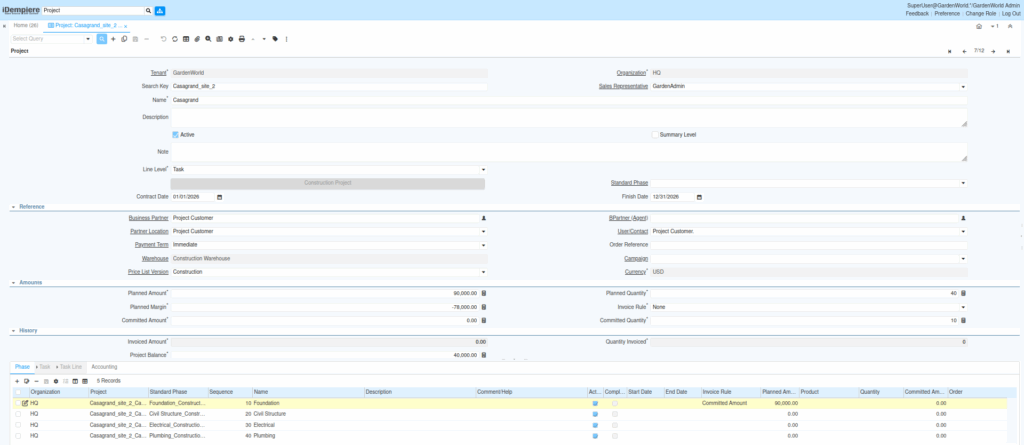
Project Dimension values are created from projects defined in the system. Each project becomes an individual dimension value that can be selected during transactions.
When setting up a project for dimension usage:
- The project must be active
- It must not be marked as summary
- It should represent a real job or initiative that requires cost or revenue tracking
Projects can be structured under parent projects for reporting, but postings always occur at the individual project level.
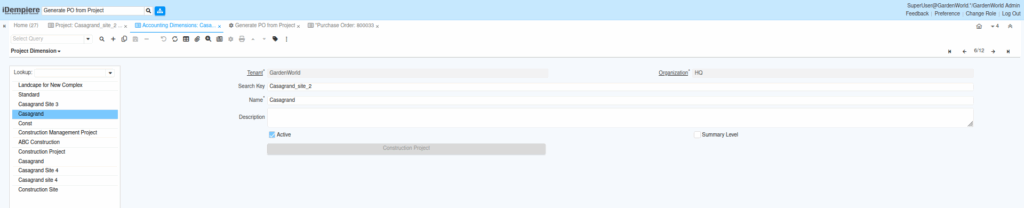
Project Hierarchy and Structure
The Project Dimension supports a hierarchical structure.
- Parent projects are used for grouping and reporting
- Child projects represent actual execution units
- Accounting postings are allowed only on leaf-level projects
This structure allows reports to show both individual project performance and consolidated project views without additional configuration.
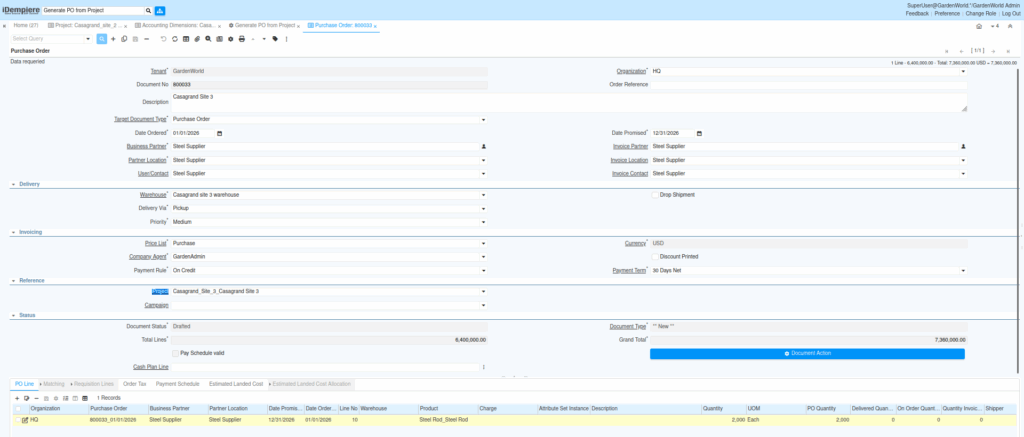
Project Dimension During Transactions
Unlike product or partner dimensions, the Project Dimension is usually selected manually when required.
Users assign a project when:
- Posting project-related expenses
- Recording material issues or receipts
- Creating purchase or sales documents linked to a project
- Entering GL journals for project adjustments
Once selected and the document is posted, the project reference is permanently written into accounting records.
Project Dimension in Accounting Records
After posting, the Project Dimension appears in Accounting Fact Details alongside other dimension values.
This allows:
- Tracking total costs and revenue per project
- Monitoring project profitability
- Reviewing the financial impact throughout the project lifecycle
Even if a project is later closed, historical accounting entries remain intact and reportable.

Project Dimension in Reporting
Reports use the Project Dimension to present financial data in a project-focused view.
Common reporting scenarios include:
- Cost vs revenue by project
- Expense breakdown per project
- Project profitability summaries
- Consolidated reporting for multiple projects
Because the dimension supports hierarchy, reports can roll up child projects into parent summaries automatically.
Outcome
With Project Dimension properly used, iDempiere provides clear project-level financial control without complicating accounting structures. Users assign projects where needed, while accounting and reporting gain accurate, structured visibility into project performance from start to completion.