How Performance Measure Setup Works in iDempiere
Performance Measurement Setup is a workflow configuration area in iDempiere that helps you prepare and organize your performance tracking infrastructure before you start measuring actual performance. It provides a guided series of steps that define how performance indicators (KPIs) are calculated, measured, and reported across your organization.
iDempiere’s Performance Measurement Setup workflow guides you through several interconnected configuration areas:
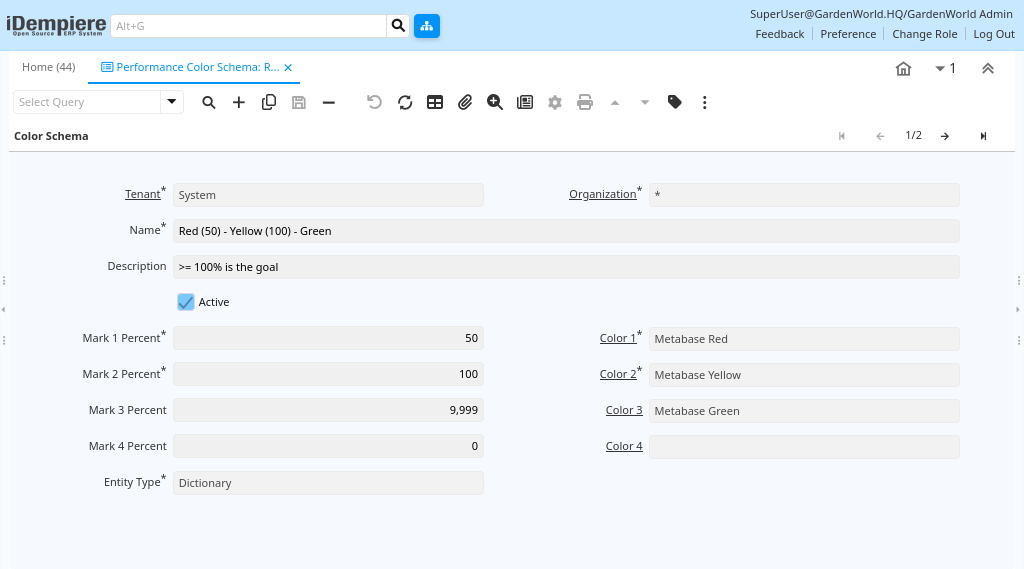
Performance Color Schema
- This defines the visual representation of performance against goals (for example, Red, Yellow, Green).
- Color schemas help users quickly recognize how well targets are being met.
- You can configure 2, 3, or 4 levels of performance colors.
Performance Measure Calculation
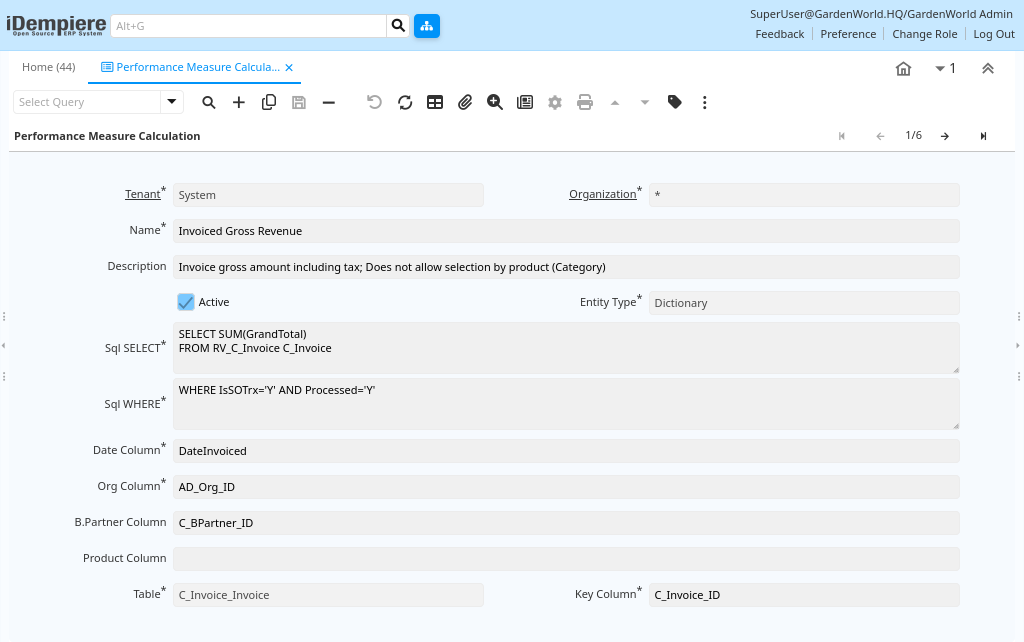
- This defines how performance measures are mathematically calculated.
- For automated calculation, you can provide SQL logic that returns a value (e.g., total sales, invoice counts, customer growth).
- Date or organization filters can be defined to refine measure calculations.
Performance Measure
- A Performance Measure defines which business metric you want to track.
- This could be anything quantifiable (e.g., “Monthly Sales”, “Customer Support Tickets Closed”, or “Project Completion %”).
- You also define the scope and restrictions—such as time range or organizational unit—to make the measure relevant.

Performance Goal
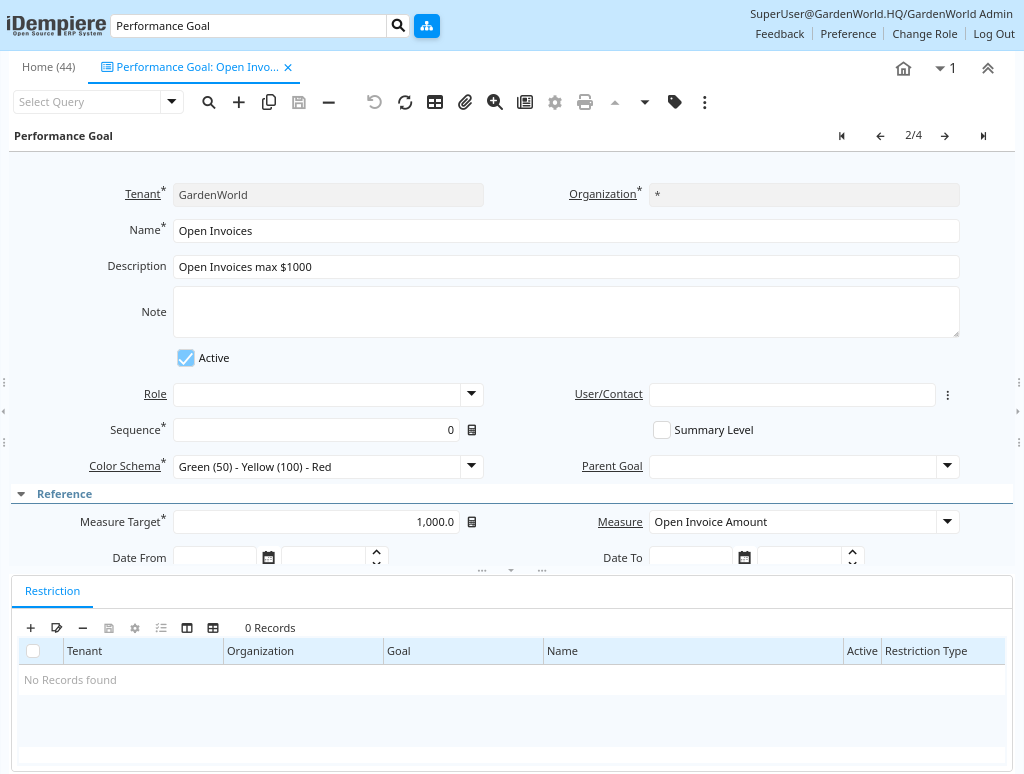
- After defining measures and calculations, you set targets or goals that represent expected performance.
- These targets are used as benchmarks for evaluating actual performance.
- Goals can be defined for specific roles, users, or groups.
The Performance Measurement Setup workflow in iDempiere is a pre-configuration framework that organizes all the components needed for performance tracking: calculation methods, performance measures, goals, and visualization schemas.
It is a structured approach that prepares the ERP so it can display meaningful performance analytics and KPIs on dashboards and reports.