How do Product and Information Tabs in the Asset Works in iDempiere
These tabs provide extended information that defines the identity, compliance details, ownership, and supporting documentation of the asset.
While the main Asset tab captures core details, these supporting tabs enrich the asset record with operational, legal, and financial attributes. Together, they ensure complete visibility and traceability of each asset in iDempiere.
Product Tab
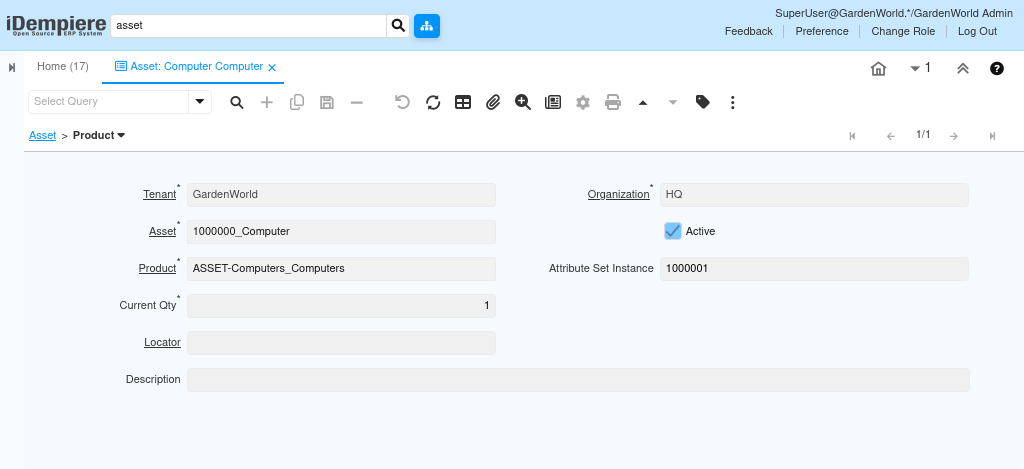
The Product tab indicates the relationship between an asset and its originating Product record. This tab helps organizations standardize asset creation and maintain a connection to the item catalog.
Finance Information Financial & Ownership Attributes
The Finance Information tab stores financial attributes related to the asset that influence reporting or ownership classification.
Examples include
- Asset Finance Method
- Business Partner
- Contract Date
- Asset Expired Date
- Asset Monthly Payment
- Asset Due On
This tab supports financial visibility and helps the organization understand asset value beyond the standard accounting fields. It is commonly used in leased asset environments, equipment rental tracking, and service contracts.

Tax Information – Regulatory & Tax Tracking
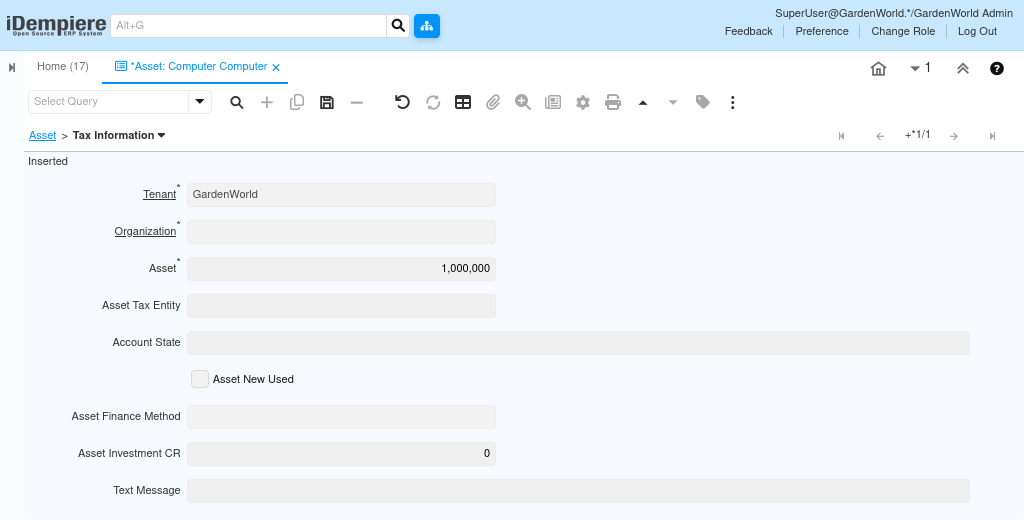
The Tax Information tab is used when assets require compliance with taxation rules.
This may include:
- Tax category assigned to the asset
- Tax registration or identification numbers
- Depreciation tax references
- Government-mandated reporting values
This tab ensures that asset-related tax reporting aligns with statutory requirements.
Organizations use this tab for GST/VAT classification, asset tax returns, and statutory audit documentation.
Insurance Information Coverage & Validity Details
The Insurance tab captures all insurance-related details for the asset. It records the insurance provider, policy information, coverage amounts, and renewal timelines. This helps organizations track asset protection, ensure timely policy renewals, and maintain accurate financial valuation for insured assets.
Maintaining this information inside the asset record helps track whether an asset is adequately insured and when renewal is due.
This is critical for high-value, movable, or risk-sensitive assets such as vehicles, machinery, and equipment used at project sites.

License Information Legal & Permit Documentation
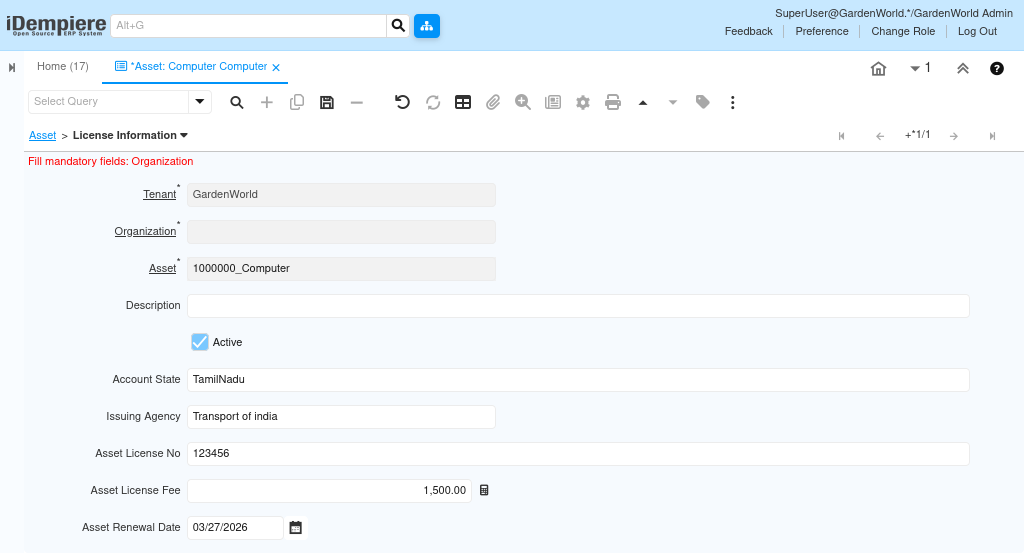
The License Information tab stores licenses and certifications required for the asset to operate legally.
This includes:
- Account State
- Issuing Agency
- Asset License No
- Asset License Fee
- Asset Renewal Date
By storing license details, the system helps ensure compliance and avoids operational downtime due to expired or missing licenses.
These tabs work together to create a complete, covering identity, compliance, financial attributes, insurance, and licensing. Each tab enriches the asset with specific information that enhances operational control, audit readiness, and lifecycle management.