How to create Sales Classification in ADempiere Retail
Sales Classification is a way to categorize products based on how fast they sell, helping in inventory planning and automated reordering. Each classification (Fast, Average, Slow) is linked with specific Reorder Level Days and Stock Holding Days.
User Access
Who Can Access
- Back Office
- Purchase Manager
- Manager
- Admin
What User Can Do
- Define sales categories (Fast, Average, Slow)
- Link classification to each item in the Product Master
Pre-Requisite Activities
- Product Master should be updated
- Past sales data should be available
- User access must allow item classification
- Inventory system must support reorder calculation
- Reorder logic engine must be enabled
Business Rules
- System checks average daily sales and calculates reorder need
- Faster moving items have lower stock holding and quicker reorder triggers
- Stock aging alerts can be based on classification
- Classification should be reviewed periodically based on updated salesee classifications.
User Interface
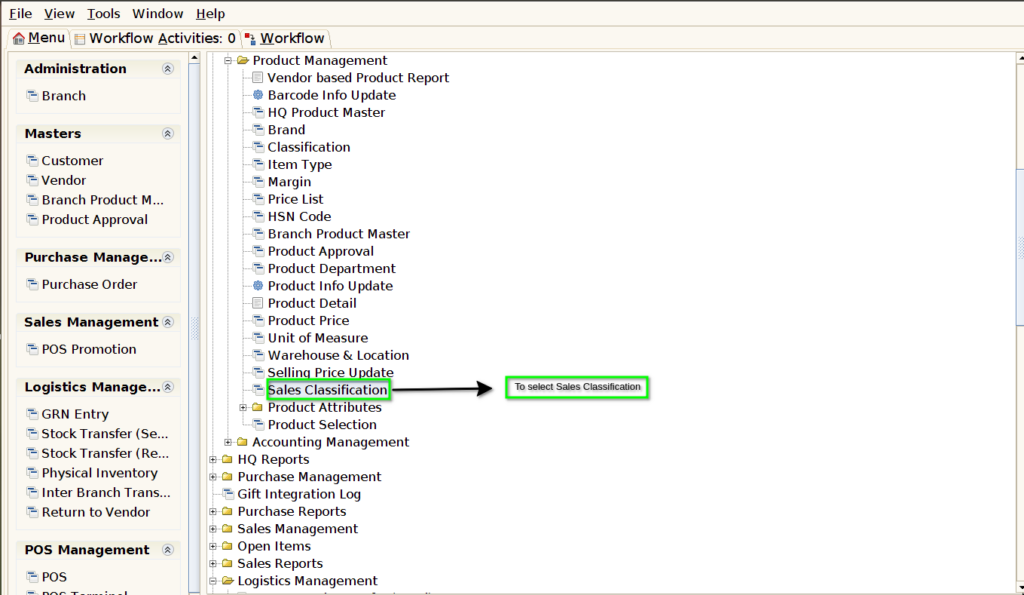
STEP 1: To select a Sales Classification.
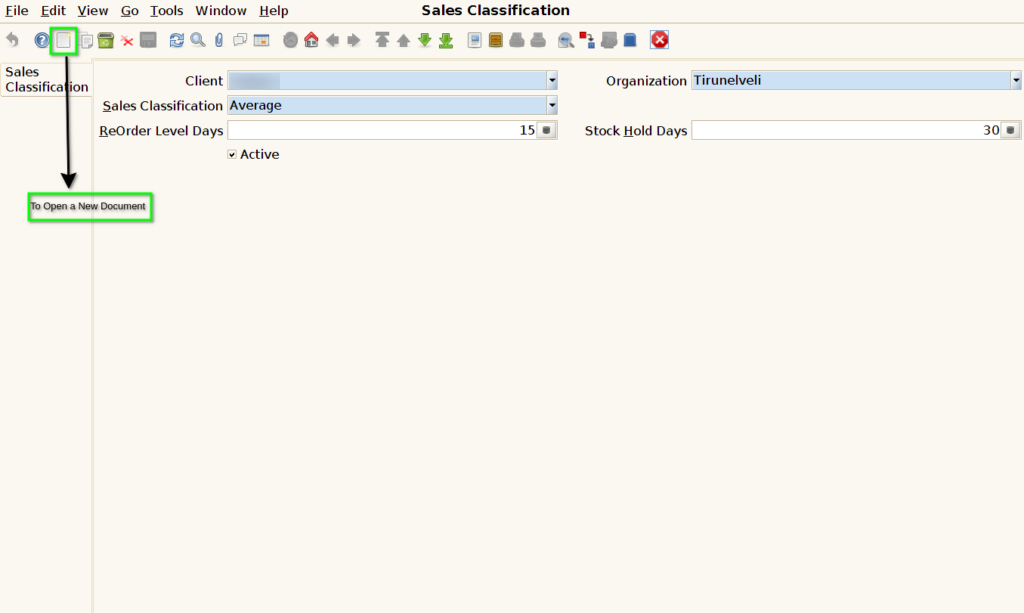
STEP 2: To Open a New Document.
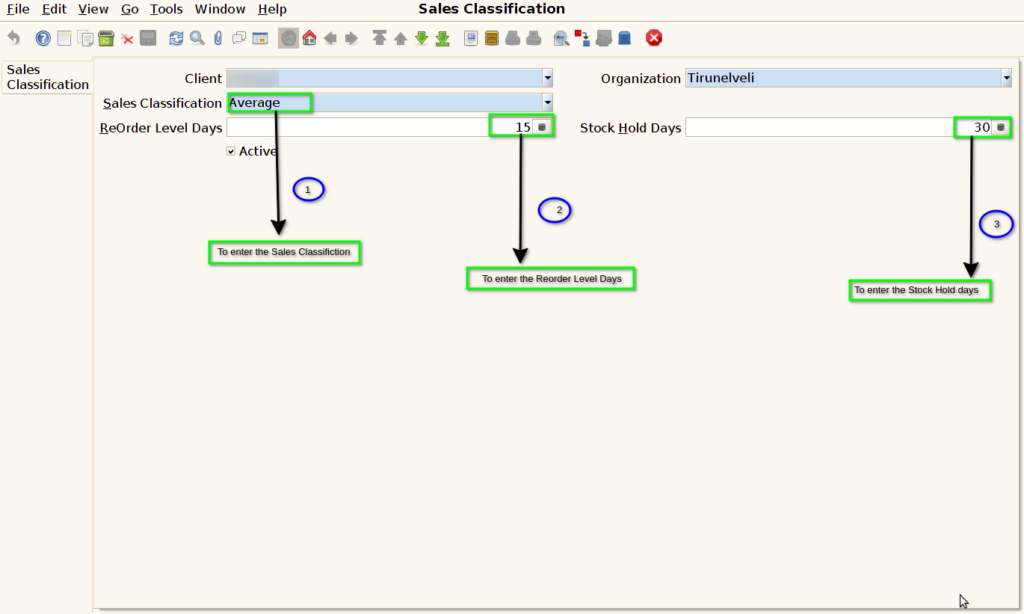
STEP 3: To enter a Sales Classification.And to enter Reorder level Days & Stock Hold Classification.
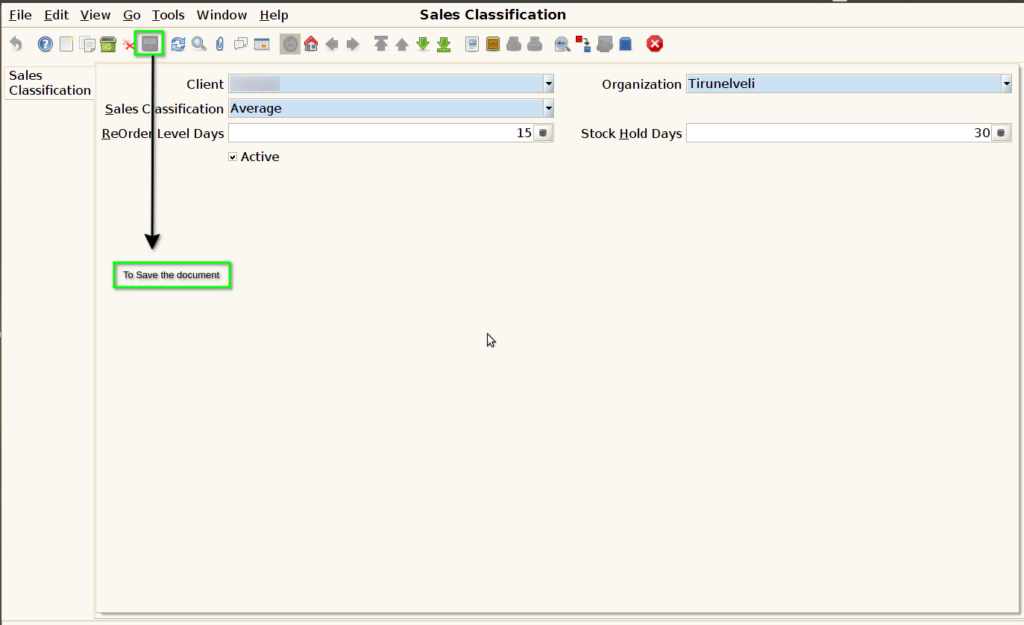
STEP 4: Finally to Save the document.