How to view Department Wise Profit & Loss Report in Adempiere Retail
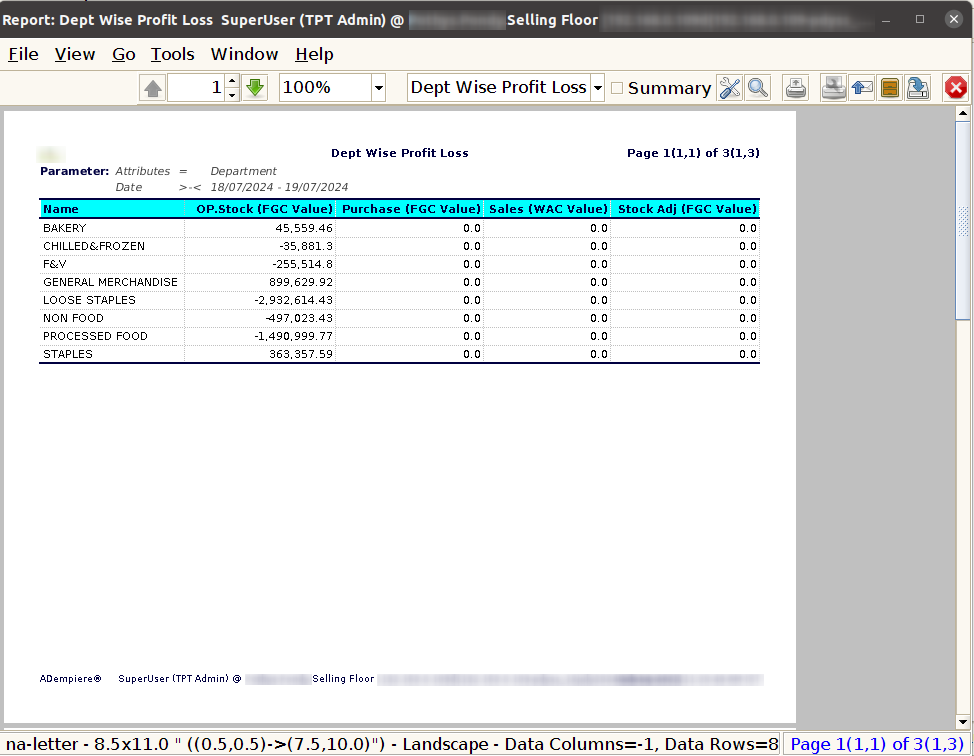
A Department-Wise Profit & Loss Report shows the income and expenses for each department in a company, so you can see how much profit (or loss) each department is making.
USER ACCESS
Who Can Access
- Admin
- Cashier
- Manager
What User Can Do
- Analyse Department Performance
- Control Department-Wise Expenses
- Justify Business Decisions
Pre-Requisite Activities
- Departments Clearly
- Reporting Period
- Department Mapping
Business Rules
- Mandatory Department Tagging
- Standardised Department Codes
- Accrual-Based Accounting
- Report Period Consistency
- Review and Approval
User Interface
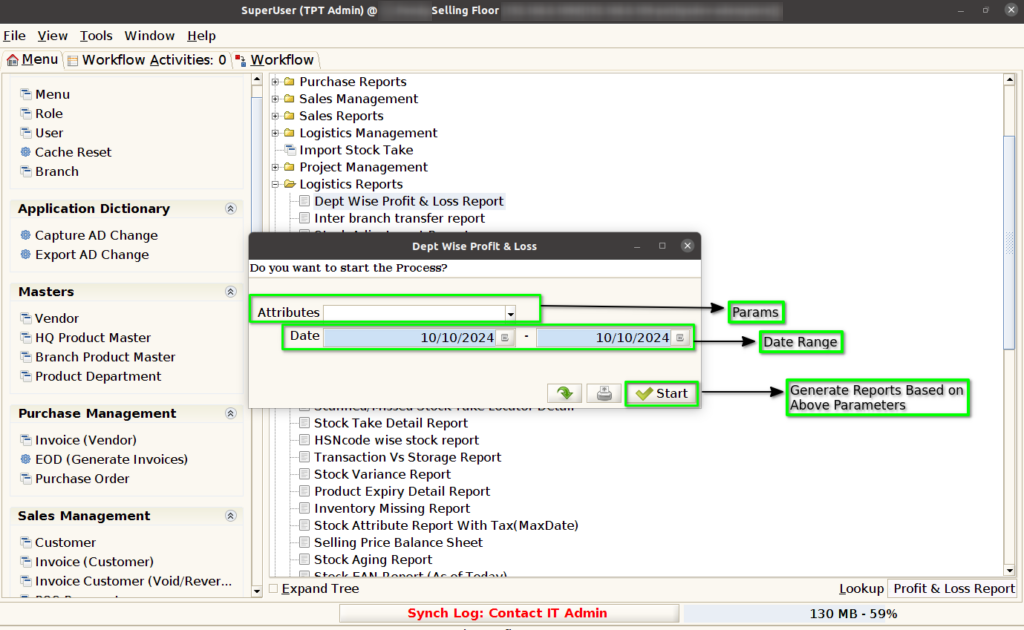
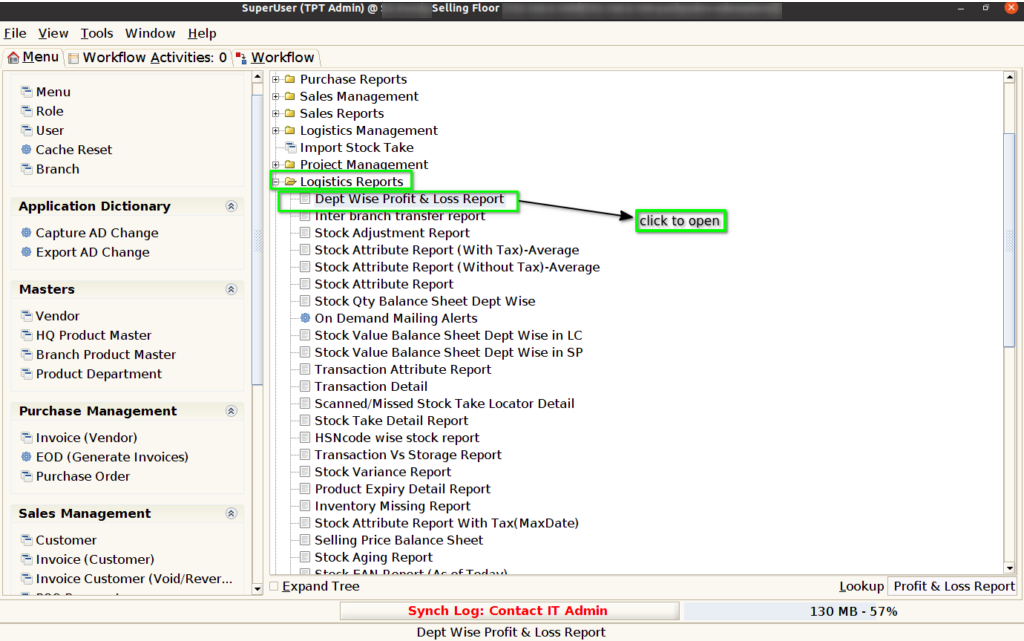
Step 1 : Select ‘Dept Wise Profit & Loss Report’ in Menu Logistics Reports -> Dept Wise Profit & Loss Report or Search Dept Wise Profit & Loss Report in Lookup.
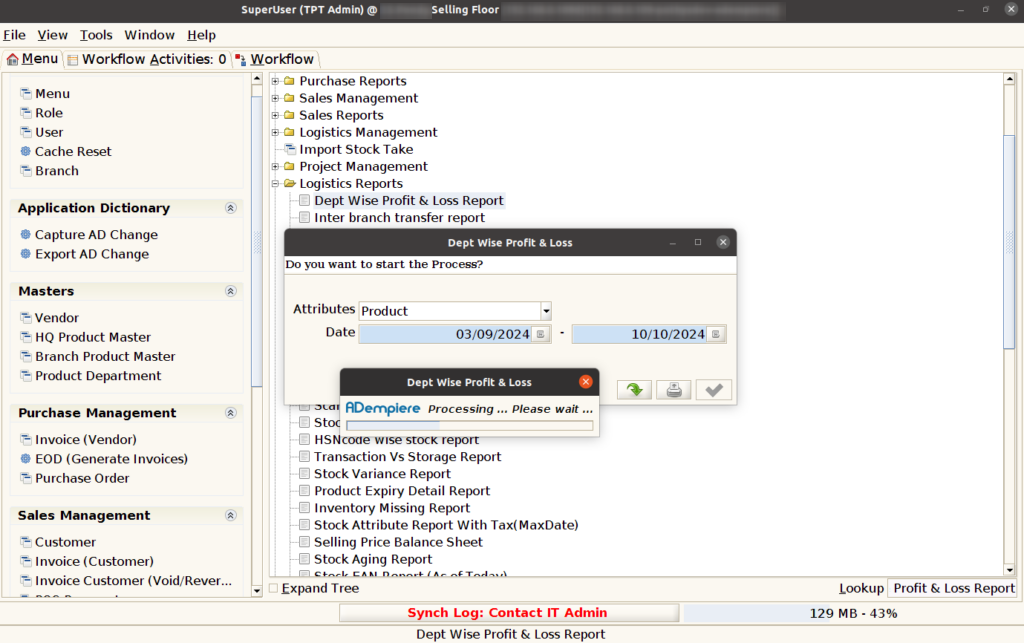
Step 2: After opening the Concern Report, it appears as shown in the image below.