How to view Vendor Details Report in Adempiere Retail
A Vendor Detail Report is a report that shows complete information about each vendor your company deals with.It helps the user quickly view all details related to the supplier in one place.
User Access
Who Can Access
- Admin
- Back Office
- Purchase Manager
- Manager
What User Can Do
- View complete details of each vendor
- Search for vendors
- Filter vendors
- View purchase-related information (if available)
- Export vendor details
Pre-Requisite Activities
- Vendor master should be created and updated
- Vendor GST details must be updated
- Vendor status should be defined
- Purchase transactions should be entered (if report shows purchase history)
- Bank and payment details should be validated.
Business Rules
- Only valid vendor records must be displayed
- Vendor status must be shown correctly
- Vendor GST details must follow compliance rules
- Purchase details must match system transactions (if included)
- Duplicate vendors should be identified or merged.
User Interface
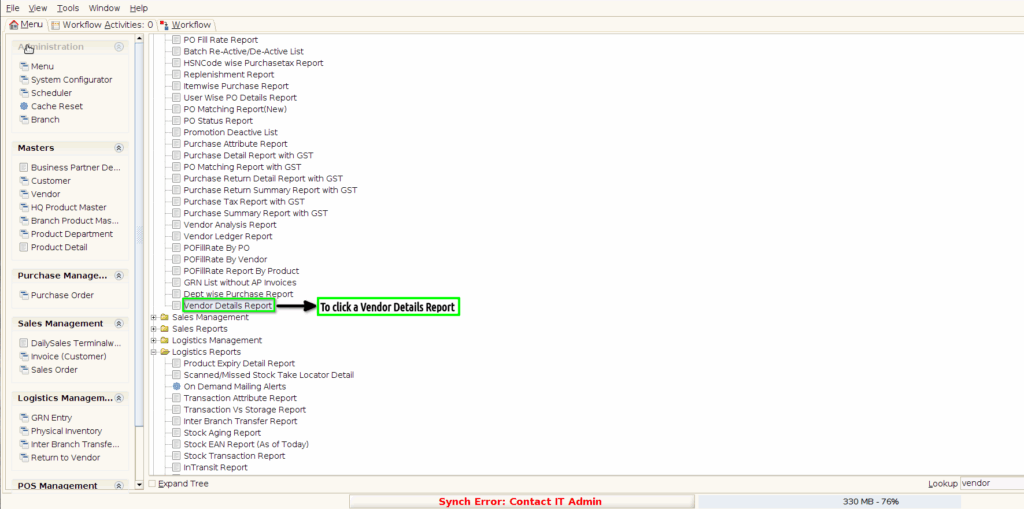
STEP 1: To Click a Vendor Details Report in menu.
STEP 2: To enter the Vendor Type Registered or Non-Registered.And then to click a Start check box.

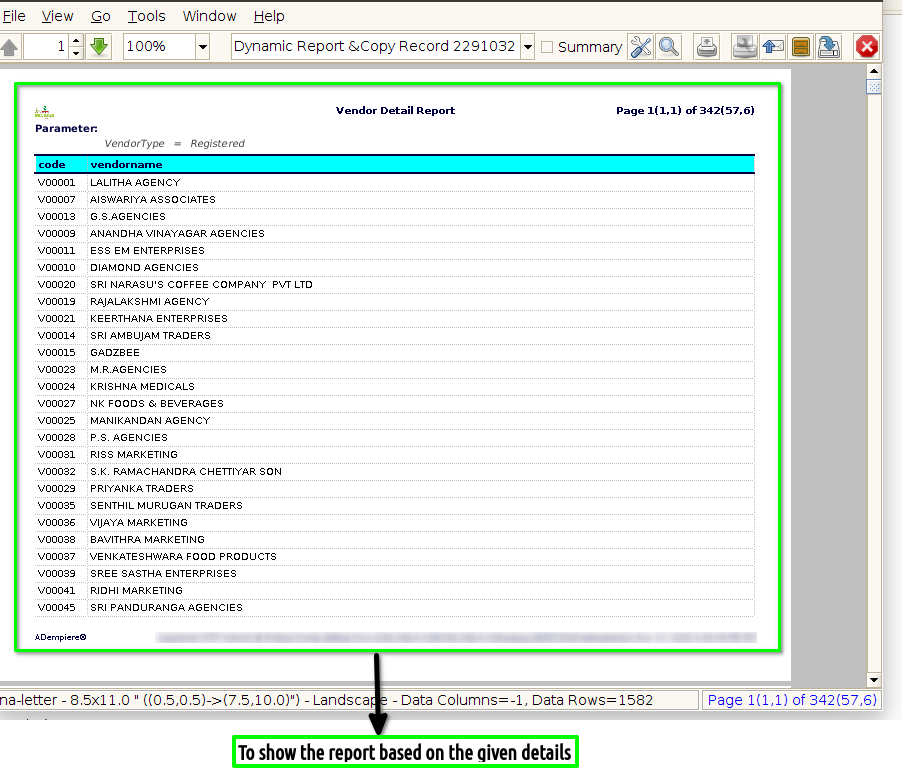
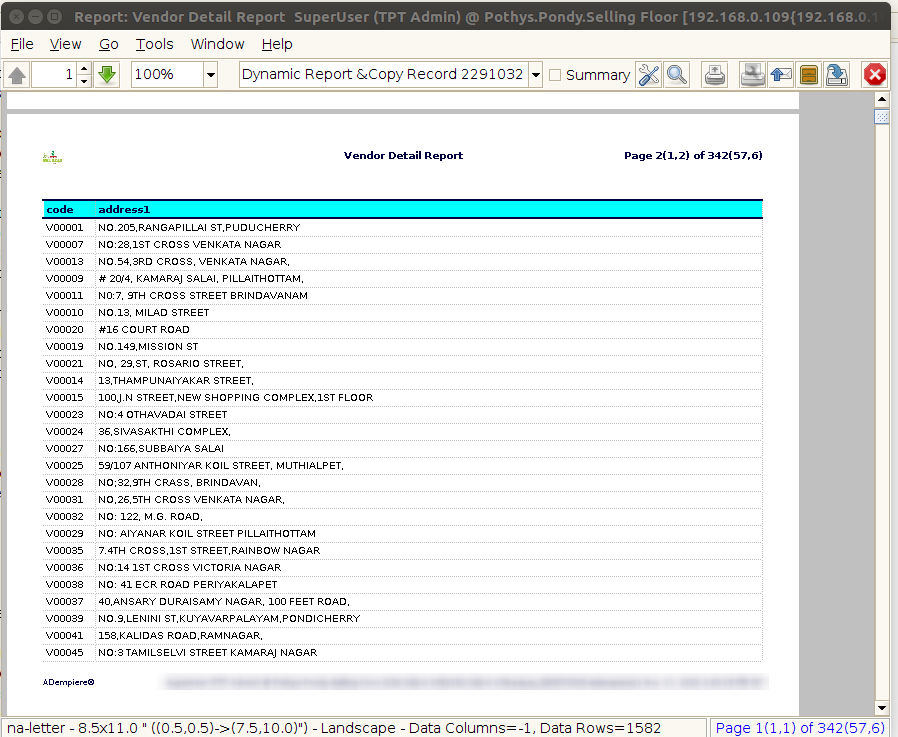
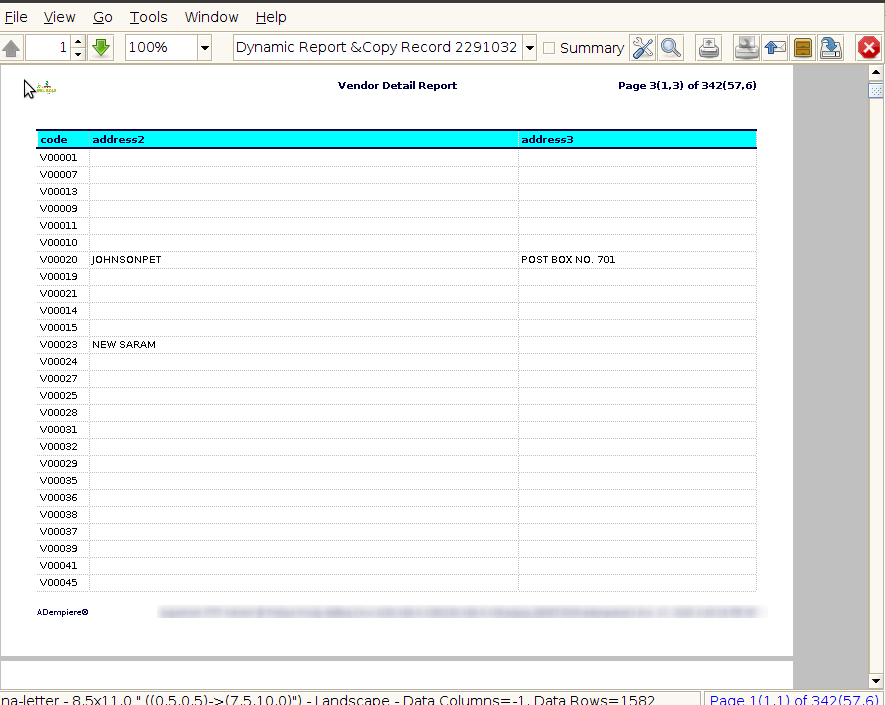
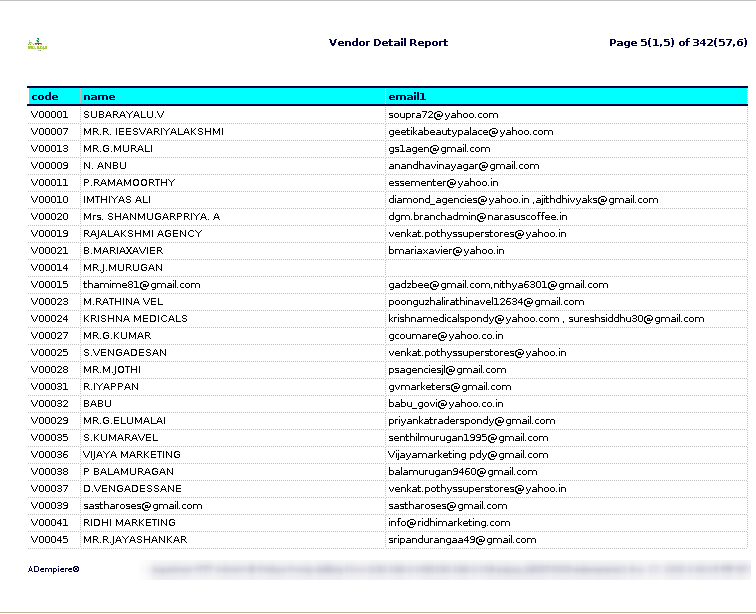
STEP 3: To Show the report based on the given parameter.