How to run Stock Aging Consolidation Process in Adempiere Retail
Stock Aging Consolidation means grouping and organizing your inventory based on how long the stock has been in the store/warehouse.
User Access
Who Can Access
- Admin
- Cashier
- Manager
- Back office
What User Can Do
- View Stock Age
- Group (Consolidate) Stock by Age
- Identify Slow-Moving or Old Items
- Generate Aging Reports
- Validate Stock Counts
- Analyze Inventory Performance
Pre-Requisite Activities
- All Stock Transactions Should Be Updated
- Physical Stock Must Match System Stock
- Posting Dates Must Be Correct
- Items Must Have Valid Stock Keeping Units (SKU)
- Stock Locations Should Be Properly Set
- Ensure No Pending or In-Progress Transactions
Business Rules
- Stock Age is Calculated Based on Transaction Date
- Only Available (On-Hand) Stock Will Be Considered
- Stock Must Belong to a Valid Location
- Items Must Have Valid Item Codes
- Duplicate or Negative Stock Quantities Are Not Allowed
- Only Completed Transactions Are Considered
User Interface
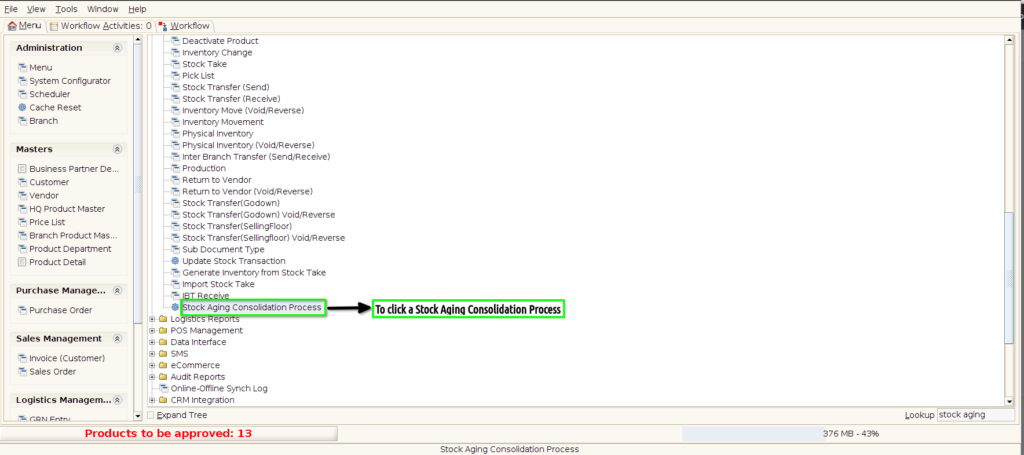
Step 1: To click a Stock Aging Consolidation Process in Menu.
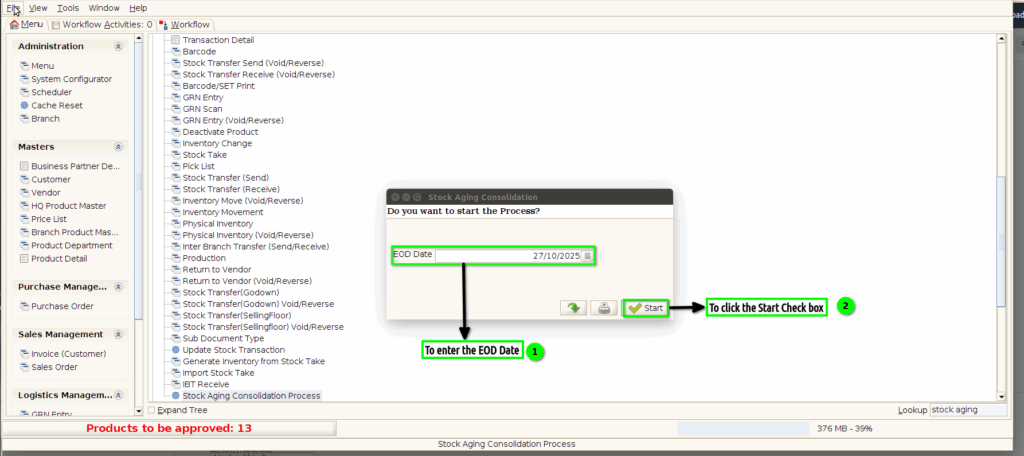
Step 2: Once to open the screen to select EOD date and to click the start check box.
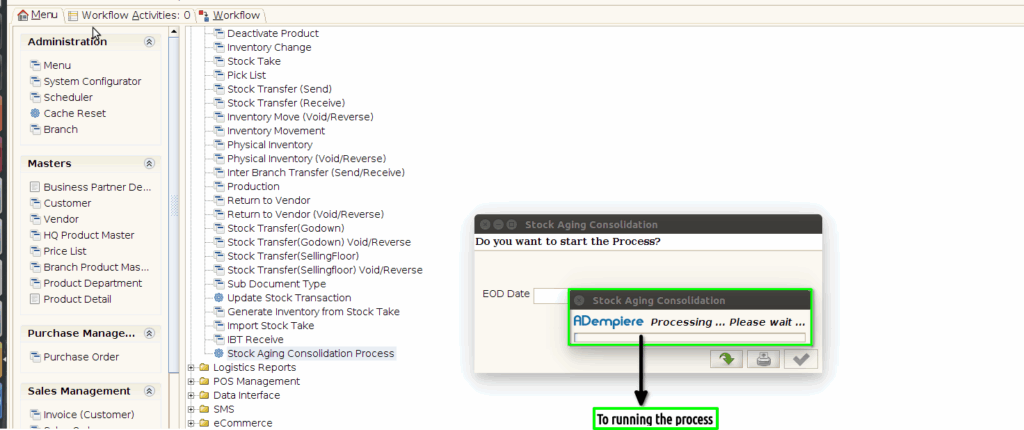
Step 3:Once to click the start process and to run the process.
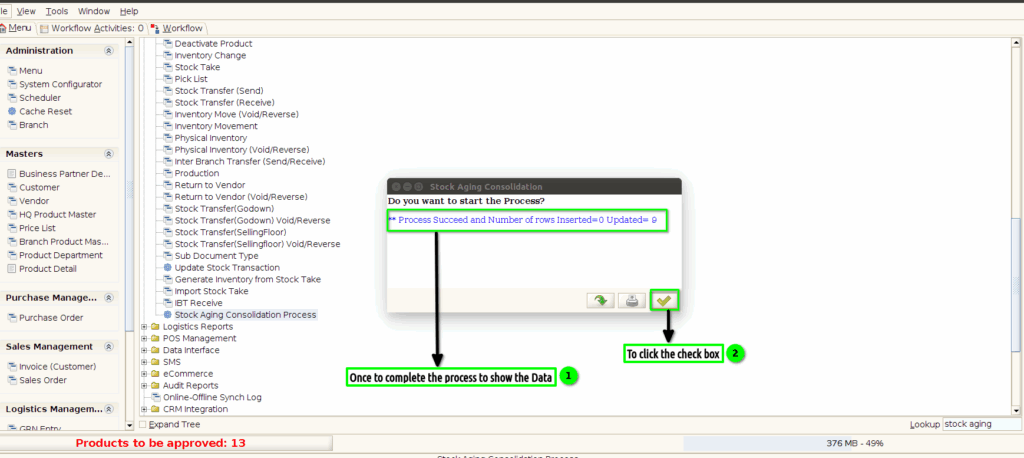
Step 4:Once to complete the process and to show the Data.finally to click the check box.