How to edit Customer Info in POS in Adempiere Retail
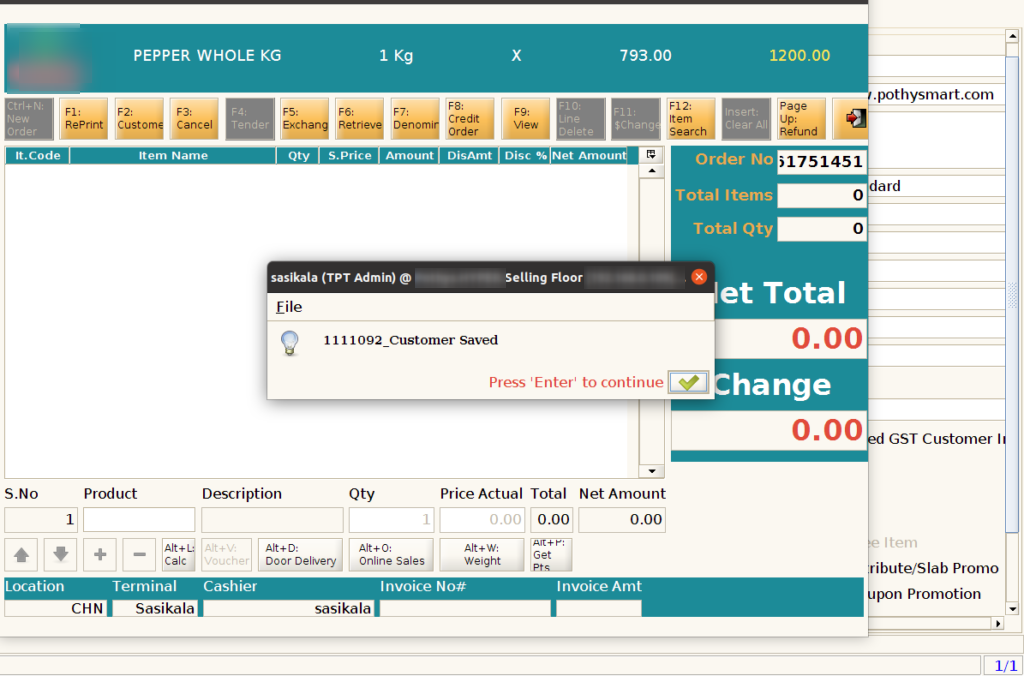
User can able to edit the customer by using CTRL+ E key in the pos screen.
User Access
Who Can Access
- Cashier
- Admin
- Back Office
- Manager
What User Can Do
- Search for Existing Customer
- Open Customer Profile
- Update Information
- Validate Changes
- Save Updated Profile
Pre-Requisite Activities
- Customer Profile Must Exist
- User Permissions Granted
- Enable Edit Functionality
- Data Validation Rules Defined
Business Rules
- Authorised Access Only
- Mobile Number Must Remain Unique
- Mandatory Field Validation
- Restricted Field Editing
- No Duplicate Records
User Interface
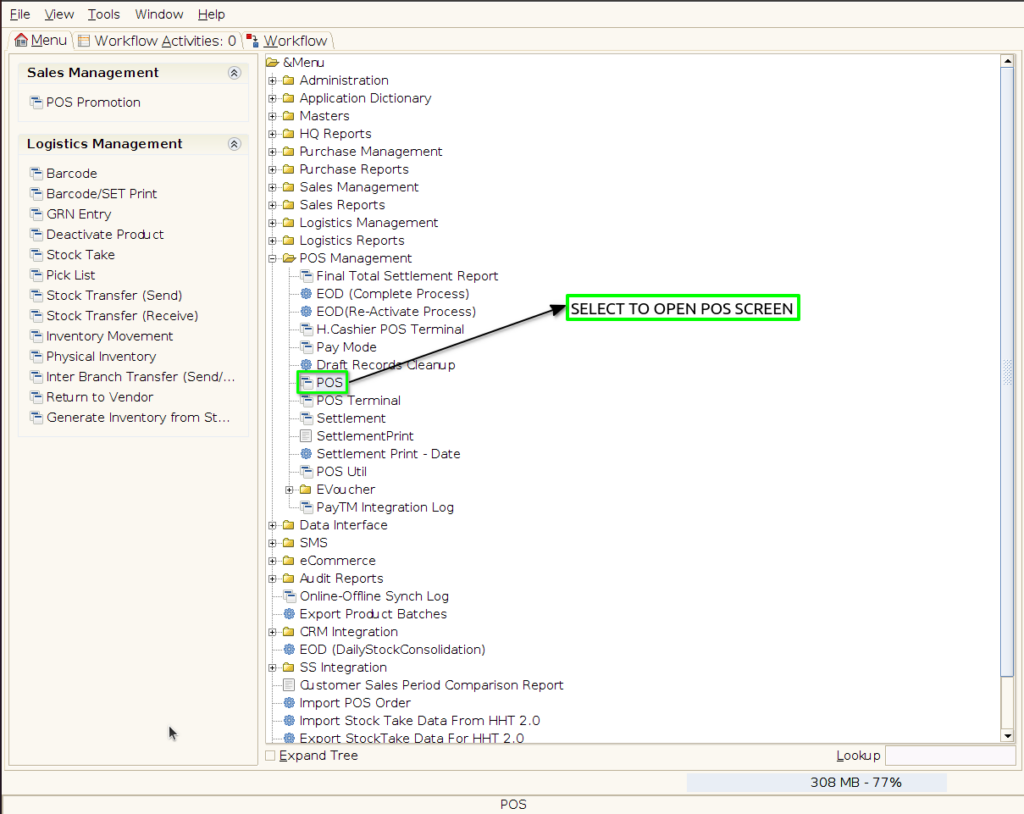
Step 1: Select ‘Pos‘ in Menu-> POS Management -> POS or Search POS in Lookup
Step 2: Click F2 Button

Step 3: Search the customer to be edit by using her name or mobile number and Press CTRL+E Key

Step 4: Except mobile no. card no. and code other field user can able to edit it and press Ok Button.

Step 5: View the status after edit the customer